Edit history with an interactive rebase
An interactive rebase rewrites the commits above a chosen one: keep, reword, edit, squash, fix up or drop each, and drag them into a new order, like git rebase -i. For a single change, Edit History in a commit’s menu does it in one step.
Works in GitTree Free: every local Git feature, once you are signed in.
On this page
Before you start
- The commits to rewrite are on your current branch, with no merge commit among them.
- Prefer commits you have not pushed: rewritten commits get new ids.
Where to find it
- Right-click the commit just below the ones to change: Edit History › Interactive Rebase of the Commits Above….
- One-step edits in the same Edit History menu: Edit Commit Message…, Drop Commit…, Move Commit Up and Move Commit Down.
- Select several commits, then right-click: Squash Commits….
| Action | macOS | Windows and Linux |
|---|---|---|
| Undo the whole rebase | ⌘Z | Ctrl+Z |
Steps
Open the editor
Right-click the commit below the ones to change and choose Edit History › Interactive Rebase of the Commits Above…. The oldest commit is at the top, in the order they are replayed.
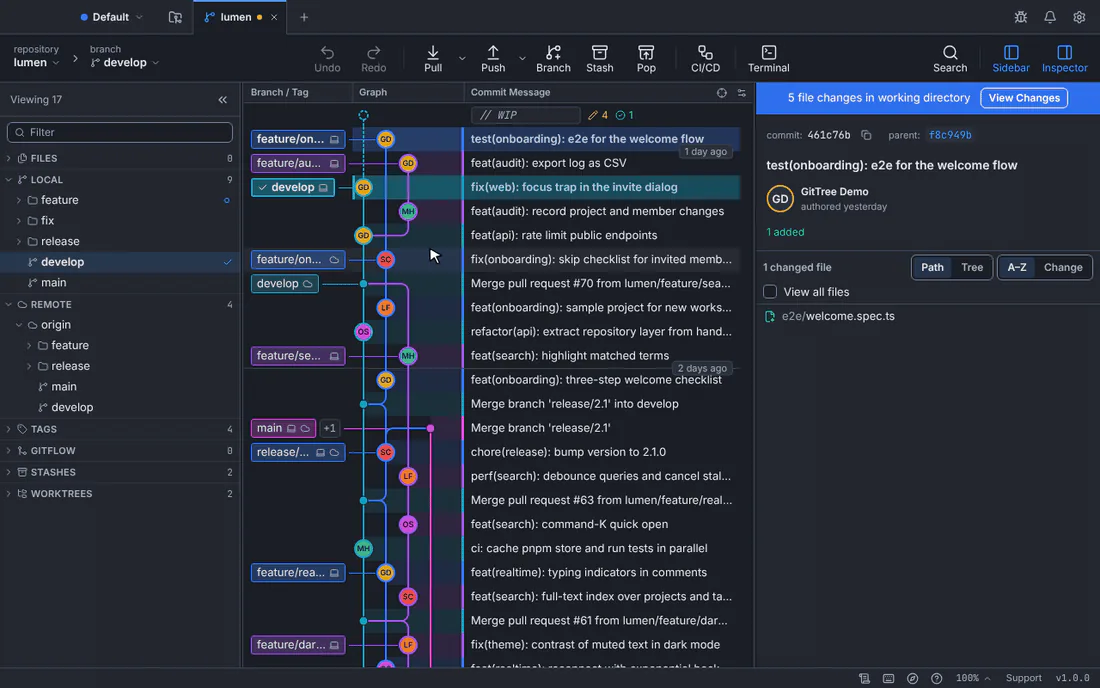
Each step has an action; here one commit is squashed into the one above and another reworded.GitTree interface with a demonstration repository. Choose an action for each commit
Set Action on each step: Pick keeps it, Reword changes its message, Edit stops there so you can amend it, Squash and Fixup fold it into the commit above, Drop leaves it out.
Reorder if needed
Drag a step by its handle, or focus it and press Alt+↑ or Alt+↓. Letters work too: p, r, e, s, f and d set the actions.
Start the rebase
Press Start Rebase. If some commits are already on a remote, confirm rewriting them first. GitTree says Rebase finished. Undo can put the branch back.
Expected result
The branch holds the rewritten commits, with new ids. The old branch is kept under refs/ogt/trash.
What each action does
| Action | Result |
|---|---|
| Pick | The commit stays as it is. |
| Reword | Same changes, new message you type in the editor. |
| Edit | The rebase stops after this commit so you can amend it, then continue from the banner. |
| Squash | Folded into the commit above; the messages are combined. |
| Fixup | Folded into the commit above; its own message is discarded. Fixup, use its message keeps this one’s message instead. |
| Drop | Left out of the branch. |
If something goes wrong
“These commits include a merge, so they can only be shown here, not rewritten.”
Interactive rebase in GitTree rewrites linear history only. Start from a commit above the merge.
“Step … squashes into nothing: move it below a kept commit.”
A squash or fixup needs a commit above it to fold into. Move it, or change the first step to Pick.
Questions
How do I turn several commits into one?
Select them in the graph and choose Squash Commits…: the Squash dialog shows the result, the message and the co-authors first. Or set every commit after the first to Squash or Fixup in the editor.