Blog
Git guides, comparisons and tips
Practical guides to Git and Git GUIs, and sourced comparisons of the desktop Git clients developers use, from the team behind GitTree.
Featured
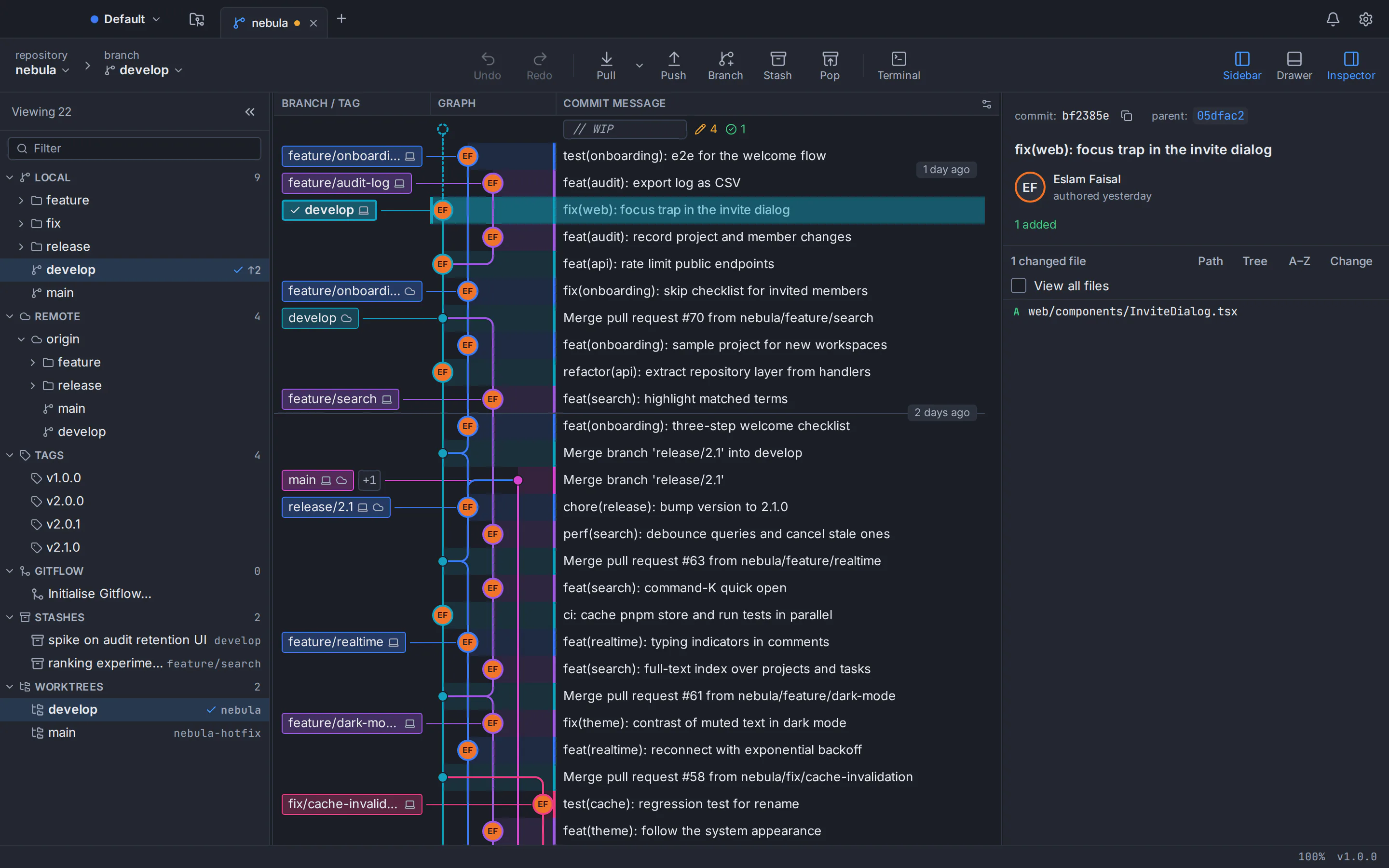
Best Git GUI clients in 2026: 10 Git clients compared for macOS, Windows and Linux
Ten Git clients compared on price, platforms, interactive rebase, conflicts and undo, with a sourced table, honest pros and cons, and a pick for every kind of developer.
Read the articleComparisons
Best Git GUI clients in 2026: 10 Git clients compared for macOS, Windows and Linux
Ten Git clients compared on price, platforms, interactive rebase, conflicts and undo, with a sourced table, honest pros and cons, and a pick for every kind of developer.
Updated
Best Git client for Mac in 2026: 8 Git GUIs for Apple silicon and Intel
Eight Git GUIs for macOS, compared on what Mac users check first: Apple silicon builds, the minimum macOS, price, accounts, bundled Git and the features you use every day.
Updated
Best Git GUI for Windows 11 and 10 in 2026: 9 Git clients compared
Nine Git clients for Windows, compared from their official pages: what each one costs, whether it needs Git for Windows, which have native ARM64 builds, and which fits beginners, power users and teams.
Updated
Which Git GUIs are free for commercial use in 2026? A licence-by-licence guide
A licence-by-licence check of the best-known Git clients: which ones you may use at work without paying, which limit private repositories, and what each costs a team as of October 2026.
Updated
GitKraken vs Sourcetree vs GitHub Desktop: which Git client should you use in 2026?
A neutral, sourced comparison of three of the best-known Git GUIs: what each one costs, where it runs, how it handles history, rebase and conflicts, and which one fits the way you work.
Updated
Git guides
Git tree visualizer: how to see your Git history as a graph
Three ways to see your Git history as a tree: the git log graph in your terminal, gitk, and a clickable GUI commit graph. Then learn to read lanes and merges and find the commit you need.
Updated
How to Resolve Git Merge Conflicts on the Command Line and in a Three-Way Editor
How to resolve merge conflicts in Git: read the conflict markers, fix them with plain Git commands or in a visual three-way editor, and see conflicts coming before you merge. Plus rerere, aborting safely and undoing a merge.
Updated
Git interactive rebase in a GUI: squash, fixup, reword, reorder and drop commits
How to squash, fix up, reword, reorder and drop commits with an interactive rebase GUI, what each action does in git rebase -i, and how to undo a rebase that went wrong.
Updated
Undo git reset, rebase and commits: how to recover (almost) anything in Git
Git rarely throws work away for good. Here is how to undo the last commit, an amend, git reset --hard, a rebase, a deleted branch or a force-push with git reflog, and how GitTree’s Undo handles most of it in one click.
Updated
Git on Linux
The best Git GUI for Linux in 2026: Ubuntu 24.04, Debian and Linux Mint
Seven Git clients that really run on Linux, compared for Ubuntu 24.04, Debian and Linux Mint on price, packaging and features. Plus four popular clients with no Linux version.
Updated
GitHub Desktop for Linux: is it available, and what to use on Ubuntu instead
GitHub Desktop has no official Linux build, and GitHub has no immediate plans for one. Here is what GitHub’s own pages say, what the community fork offers, and how to set up a free, native Git GUI with your GitHub account on Ubuntu or Debian.
Updated
Sourcetree for Linux: is there one, and what to use on Ubuntu instead
There is no official Sourcetree for Linux. Here is what Atlassian’s own pages say, why Wine is a poor workaround, and how to get a free, native Git GUI running on Ubuntu or Debian in a few minutes.
Updated
How to upgrade Git on Ubuntu 22.04 to 2.39 or newer with the git-core PPA
Ubuntu 22.04 and Linux Mint 21 ship Git 2.34.1. Four commands with the git-core PPA install the latest stable Git. Here is how, why the old version sticks, and how to undo it.
Updated
Git and AI agents
AI commit message generator in a Git GUI: Claude Code, Codex and Antigravity
GitTree turns the Claude Code, Codex or Antigravity CLI you already use into a one-click AI commit message generator. Here is what it sends, how to set it up and how to review a draft.
Updated
Git worktrees for AI agents: run Claude Code and Codex in parallel
A git worktree gives every AI coding agent its own folder and branch inside one repository. Here’s how to create one per agent, keep track of them in a Git GUI and merge the results without collisions.
Updated
Git basics
Git GUI vs command line: when each one is better, and how to use both
An honest answer to the Git GUI vs CLI question: what each does best, where each falls short, and how to use both without losing the command line.
Updated
Git for beginners: learn the basics with a GUI, step by step
New to Git? Learn the five ideas that matter (repository, commit, branch, merge and remote), then build your first project in a free Git GUI: clone or create a repository, stage, commit, branch and push.
Updated
Git vs GitHub: the difference explained, plus GitLab, Bitbucket and Azure DevOps
Git is the version control tool on your computer; GitHub is a website that hosts Git repositories online. Here is how the two fit together, how GitLab, Bitbucket and Azure DevOps compare, and how a desktop Git client connects to all four.
Updated
How to upload a project to GitHub without the command line
Put any project on GitHub without typing a Git command: turn the folder into a repository, make a first commit, then publish and push it from a free Git GUI. Notes for GitLab and Bitbucket are included.
Updated