Product tour
See GitTree in three minutes
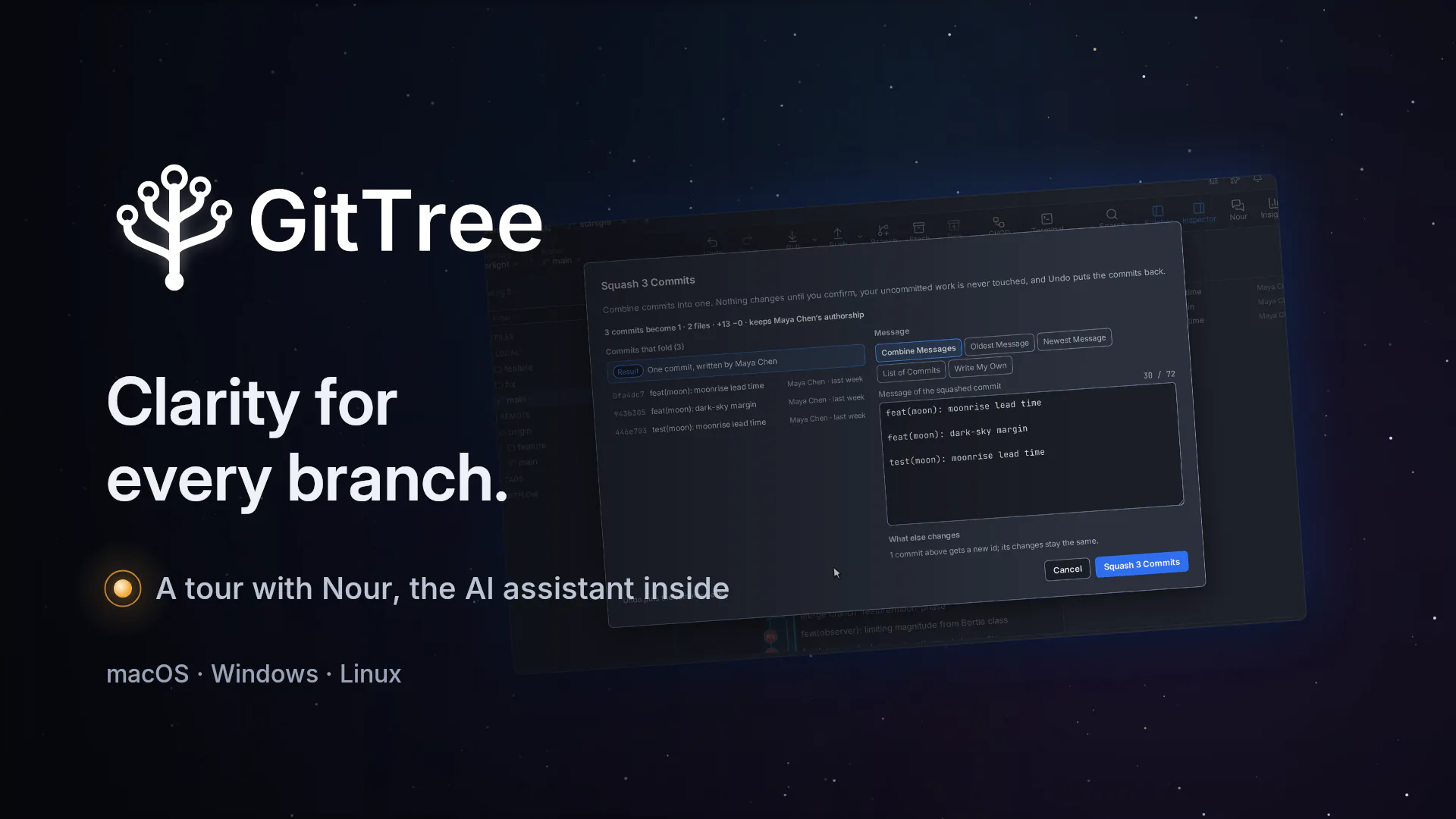
A three-minute tour of GitTree, narrated by Nour, its AI assistant: the commit graph, project files, line-by-line staging, squashing commits, a merge conflict resolved side by side, Ship Preview before a push, a GitLab CI/CD pipeline from failing test to green, a pull request opened and reviewed, Nour with your own coding agent, Repo Insights and the app in ten languages.
Chapters
- Jump toMeet Nour
- Jump toThe commit graph
- Jump toProject files
- Jump toReview, stage and commit
- Jump toSquash commits
- Jump toMerge conflicts, side by side
- Jump toShip Preview and push
- Jump toGitLab CI/CD
- Jump toPull requests and reviews
- Jump toNour, the AI assistant
- Jump toRepo Insights
- Jump toTen languages
- Jump toDownload GitTree
Nour, the AI assistant in GitTree, walks you through a real repository: the commit graph, a commit, a squash, a merge conflict, a GitLab pipeline, a pull request review, Repo Insights, and how Nour works with your own coding agent.
Explore every featureTranscript
Nour narrates the tour in English. Captions are on by default in the language of this page; pick any of the ten from the player’s captions menu.
Transcript
Nour narrates the tour in English. Captions are on by default in the language of this page; pick any of the ten from the player’s captions menu.
Meet Nour
Every project starts with one commit. Then a branch. Then ten. Merges. Conflicts. Pipelines. Reviews. I’m Nour. Let me show you GitTree.
The commit graph
Your whole repository, as one clear graph. Every branch, every merge, one click from its changes.
Project files
Browse your project’s files, keep a few open side by side, and come right back to the graph.
Review, stage and commit
Review your work, line by line. Stage just what belongs together. Say why, and commit.
Squash commits
Too many small commits? Squash them into one. You see the result before anything changes, and undo is always there.
Merge conflicts, side by side
When two branches disagree, GitTree tells you before you merge. Pick the right line, side by side, and finish the merge.
Ship Preview and push
Before you push, Ship Preview shows what you’re about to ship. The commits, the files, and the pipelines they start. Then one click, and it’s on GitLab.
GitLab CI/CD
Your pipeline starts. Watch every stage and job as it runs. A test fails? Read the log right here, fix it, and push again until it’s green.
Pull requests and reviews
Open a pull request from your branch, and pick a reviewer. Review a teammate’s work, comment on the exact line, and approve.
Nour, the AI assistant
And this is where I come in. I work with the coding agent you already use. Claude Code, Codex, Cursor and more, signed in with your own account. Ask me what changed, and I read your history and answer. In Agent mode, I can do the work. You decide what I may do, and I save a snapshot first, so you can undo it.
Repo Insights
Repo Insights counts the work in your history, on your own computer. Nothing is shared unless you choose to.
Ten languages
And GitTree speaks your language. Ten of them, right to left included.
Download GitTree
This is GitTree. Clarity for every branch. Free for macOS, Windows and Linux. Pro adds Nour, and your hosting tools, with a free trial.
Try it on your own repositories
Download GitTree for macOS, Windows or Linux. Every feature is free on public repositories, with no account needed; GitTree Pro opens private repositories after a free month on your computer.