Git reset explained: soft, mixed and hard
git reset moves your branch to another commit. The three modes differ only in what they do with your files. Here is what each keeps, which to use, and how to get back when you reset too far.
Written by Kodmora
The software house behind GitTree
- Undo and recovery
- Commit history
- Commits
On this page
All three modes move the current branch to the commit you name. `--soft` keeps every change staged, `--mixed` (the default) keeps them in your working folder unstaged, and `--hard` discards them. To undo your last commit but keep the work, run git reset --soft HEAD~1. Use --hard only when you are sure, because it deletes uncommitted changes for good.
What is the difference between soft, mixed and hard?
| Mode | Branch moves | Staging area | Working folder | Use it to |
|---|---|---|---|---|
--soft | Yes | Kept | Kept | Redo commits: everything stays staged |
--mixed | Yes | Reset | Kept | Unstage and re-pick what to commit |
--hard | Yes | Reset | Reset | Throw the work away |
Git keeps three copies of your work: the commit history, the staging area and the working folder. Reset always moves the first. The mode decides whether it also rewrites the other two.
When should I use git reset --soft?
Use it to undo commits while keeping every change staged, ready to commit again. It is the quickest way to squash a branch into one commit:
# undo the last commit, keep the changes staged
git reset --soft HEAD~1

# squash everything since main into one commit
git reset --soft main
git commit -m "feat(search): quick open"
When should I use git reset --mixed?
It is the default, so git reset means git reset --mixed. Use it to undo commits and split the work differently, or to unstage files:
# undo the last two commits, keep the changes unstaged
git reset HEAD~2

# unstage one file (the branch does not move)
git reset src/search.ts
For unstaging, git restore --staged src/search.ts does the same job and reads more clearly.
When should I use git reset --hard?
# drop the last commit and its changes
git reset --hard HEAD~1

# match the remote exactly
git fetch origin
git reset --hard origin/mainHow do I remove a commit from a branch?
| Situation | Command |
|---|---|
| Last commit, not pushed | git reset --hard HEAD~1 |
| Older commit, not pushed | git rebase -i <sha>~1, then mark it drop |
| Commit is already pushed | git revert <sha> |
| Commit went to the wrong branch | git cherry-pick it, then reset the old branch |
git revert keeps history intact, so it is the only safe choice on a shared branch. Resetting a pushed branch needs a force push and breaks your teammates’ clones. Interactive rebase and cherry-pick have their own guides.
How do I undo a git reset?
Reset moved the branch, and the reflog remembers where it was:
git reflog
# 3e52f10 HEAD@{0}: reset: moving to HEAD~2
# 9b3c7d1 HEAD@{1}: commit: add search box

git reset --hard 9b3c7d1
This brings back commits, including after --hard. Files that were staged but never committed can sometimes be found with git fsck --lost-found. Changes that were never staged are gone. Undo a reset, rebase or commit covers every case.
What is the difference between reset, revert and restore?
| Command | What it does | Rewrites history? |
|---|---|---|
git reset | Moves the branch to another commit | Yes |
git revert | Adds a commit that undoes another | No |
git restore | Changes files, never the branch | No |
How to reset a branch in GitTree
Choose the commit
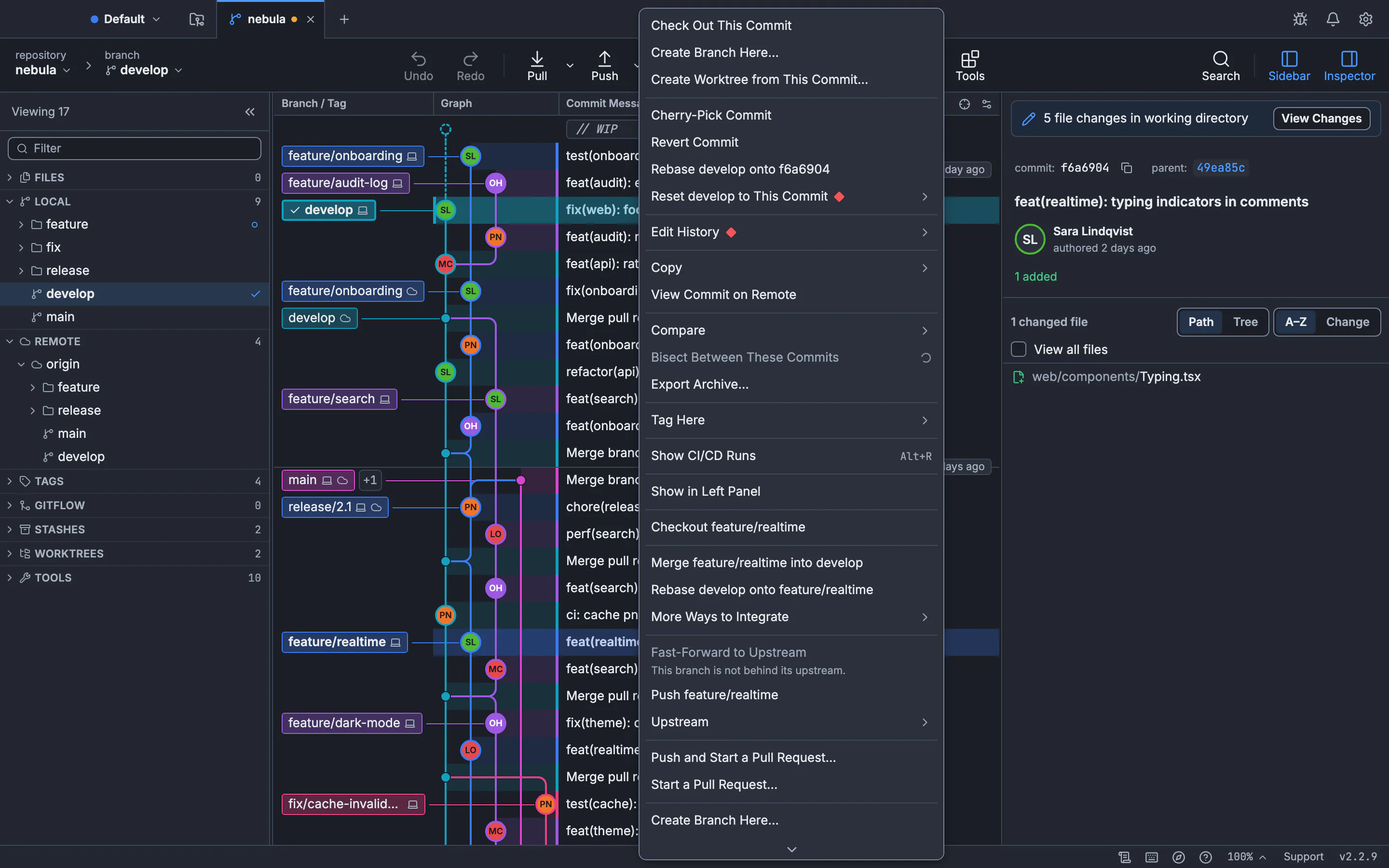
Right-click the commit the branch should go back to and open Reset … to This Commit.
Choose the mode
Pick Soft: Keep All Changes Staged, Mixed: Keep Changes in the Working Folder or Hard: Discard All Changes….
Undo if you need to
GitTree saves your work under
refs/ogt/trashfirst, so Undo can bring it back, even after a hard reset.
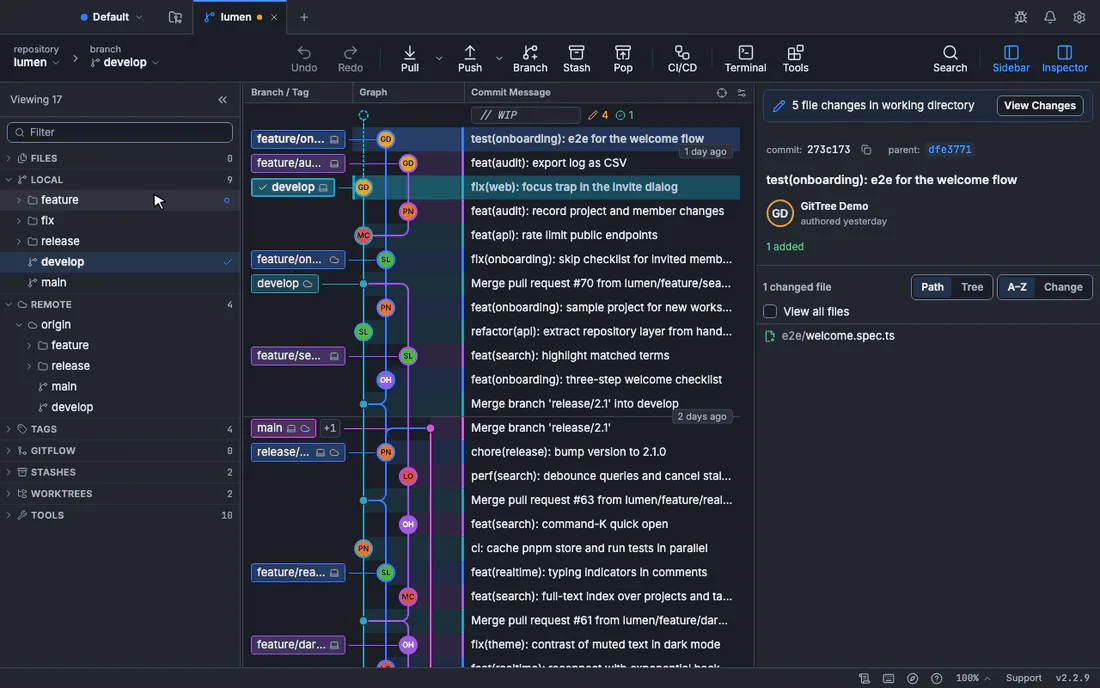
See reset a branch to a commit for the details, and the reset modes lesson to practise on a safe repository.
Frequently asked questions
What does HEAD~1 mean?
The commit one step before the current one. HEAD~3 is three steps back. git log --oneline shows the hashes if you would rather name a commit directly.
Does git reset delete commits?
It moves the branch away from them, so they stop appearing in git log. They stay in the reflog for at least 30 days by default, then Git can remove them.
How do I undo my last commit but keep the changes?
Run git reset --soft HEAD~1 to keep them staged, or git reset HEAD~1 to keep them unstaged.
Is git reset --hard safe?
It is safe for committed work, which the reflog can bring back. It is not safe for uncommitted work, which it deletes. Stash or commit first if you are unsure.
Can I reset a branch that is already pushed?
Only with a force push, which rewrites the branch for everyone. On shared branches, use git revert instead.
Sources
Claims about other products were checked against their official pages on November 7, 2026. Prices and features change; the vendors’ pages are the source of truth.