How to discard local changes and remove untracked files in Git
Three different commands clear three different kinds of change. Here is how to throw away edits, staged changes and new files, one file or everything, and how to preview it first so nothing important goes with them.
Written by Kodmora
The software house behind GitTree
- Undo and recovery
- Staging
On this page
To discard changes to tracked files, run `git restore .` To remove untracked files and folders, run `git clean -fd`. To go back to the last commit completely, run `git reset --hard` followed by `git clean -fd`. Git cannot bring these changes back afterwards, so preview first with git status and git clean -nd.
Which command discards what?
| What you want gone | Command |
|---|---|
| Edits to one tracked file | git restore path/to/file |
| Edits to all tracked files | git restore . |
| Staged changes, keeping the edits | git restore --staged . |
| Staged changes and edits | git restore --staged --worktree . |
| New files Git does not track | git clean -f |
| New files and folders | git clean -fd |
| Everything since the last commit | git reset --hard then git clean -fd |
How do I discard changes to one file?
git restore src/search.ts

# only some of the changes, hunk by hunk
git restore -p src/search.ts

# the same file as it was on another branch
git restore --source=main src/search.ts
Older guides use git checkout -- src/search.ts. It still works, but git restore (Git 2.23 or later) does only this one job, so it is harder to misuse.
How do I discard all local changes?
# tracked files, staged or not
git reset --hard

# then untracked files and folders
git clean -fd

# confirm
git status
# nothing to commit, working tree clean
git reset --hard with no commit keeps the branch where it is and only clears files. Git reset explained covers what it does when you name a commit.
How do I unstage a file without losing it?
git restore --staged src/search.tsThe file leaves the staging area and your edits stay in the working folder. Nothing is deleted.
How do I remove untracked files with git clean?
Always preview first. -n is a dry run, which only lists what would go:
# preview files and folders
git clean -nd

# delete them
git clean -fd

# ask about each one
git clean -id| Flag | Meaning |
|---|---|
-n | Dry run: list only, delete nothing |
-f | Force: required to delete anything |
-d | Include untracked folders |
-i | Interactive: choose what goes |
-x | Also delete ignored files, such as .env and node_modules |
-X | Delete only ignored files |
Can I recover discarded changes?
- Committed work: yes, through
git reflog. - Stashed work: yes. Even a dropped stash can often be found, as shown in recover a dropped stash.
- Staged but never committed: sometimes, with
git fsck --lost-found. - Never staged: no. Your editor’s local history may still have it.
If a file was deleted and committed, how to restore a deleted file has the steps.
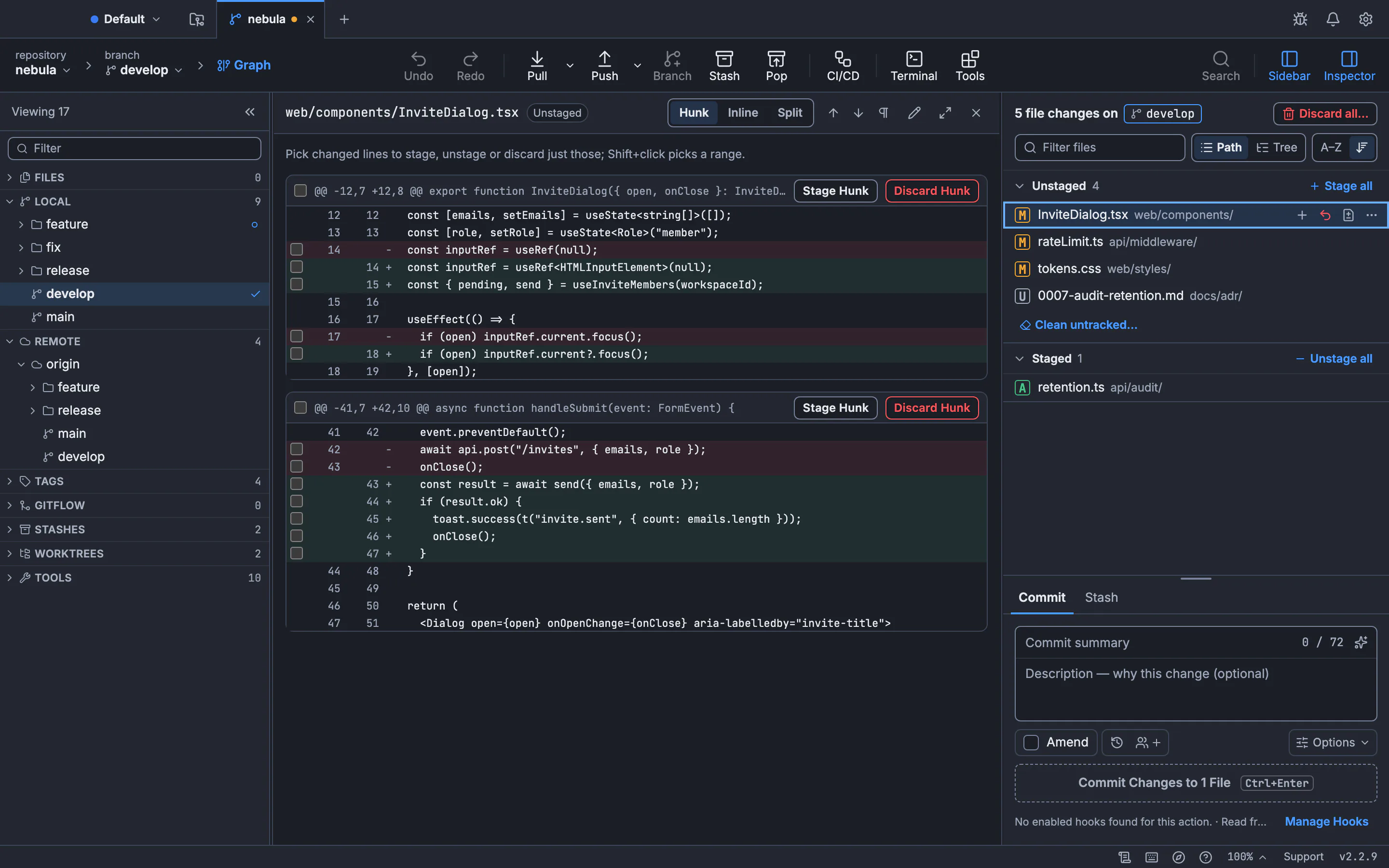
How to discard changes in GitTree
Choose what to throw away
Hover a file in the changes panel and select Discard Changes to File…, or right-click several files for Discard Changes…. In a diff, use Discard Hunk or Discard Lines.
Clean up or clear everything
Run Clean Untracked Files… or Discard All Changes… from the command palette.
Read the confirmation
The dialog names what goes, and Cancel is the default. GitTree saves a recovery snapshot first, so Undo can bring it back.
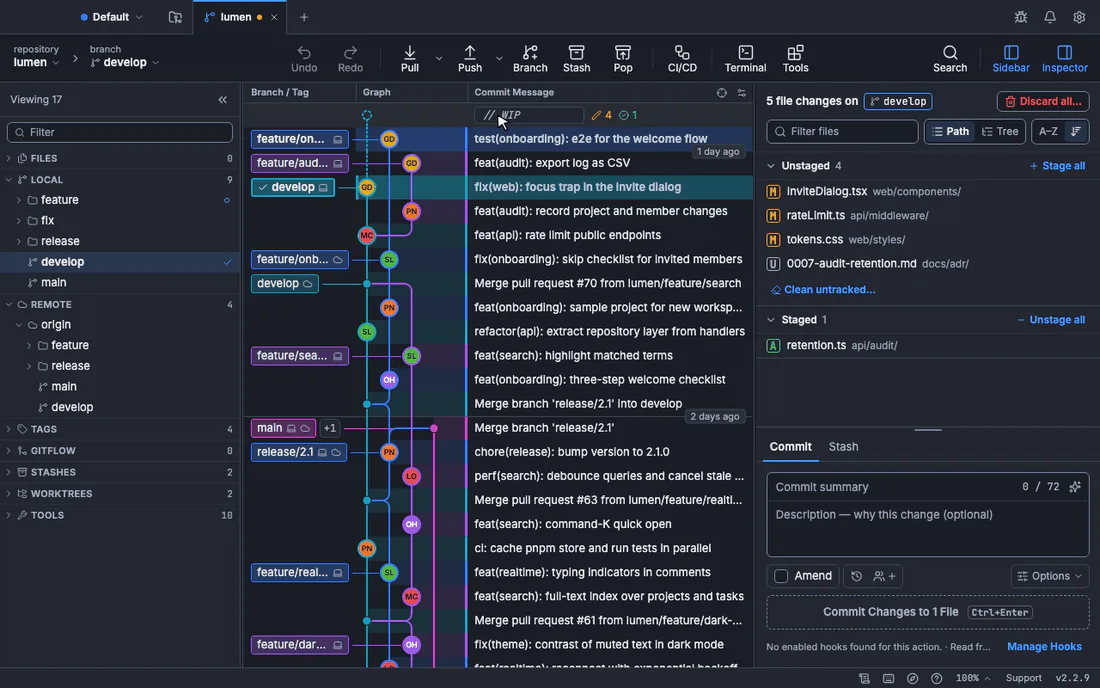
See discard changes and clean untracked files for every option, and the ignore and clean lesson to practise.
Frequently asked questions
What is the difference between git restore and git checkout?
git checkout both switches branches and restores files. Git 2.23 split those jobs into git switch and git restore, which are clearer. The old form still works.
Does git reset --hard remove untracked files?
No. It resets tracked files only. New files stay until you run git clean -fd.
Why does git clean say “refusing to clean”?
Git requires -f by default (clean.requireForce) so that a typo cannot delete files. Add -f once the dry run looks right.
Does git clean delete ignored files?
Not unless you add -x or -X. A plain git clean -fd leaves everything in .gitignore alone.
How do I keep changes but get a clean folder?
Run git stash -u. It saves tracked and untracked changes and clears the folder. Bring them back later with git stash pop, as the stash guide explains.
Sources
Claims about other products were checked against their official pages on November 7, 2026. Prices and features change; the vendors’ pages are the source of truth.