Blog
Git guides, comparisons and tips · Page 3
Practical guides to Git and Git GUIs, and sourced comparisons of the desktop Git clients developers use, from the team behind GitTree.
Explore the articlesExplore the articles
- Git guides8 min read
Free Git GUI for University Students: GitTree Pro for 2 Years
Learn Git with a visual client, collaborate on university projects, and understand GitTree’s one-time student offer: full individual Pro for 24 months, automatic academic-email signup, then Free unless you choose to subscribe.
Updated
- Comparisons28 min read
Best Git GUI clients in 2026: 10 Git clients compared for macOS, Windows and Linux
Compare ten Git clients by platform, licence and daily workflow, from partial staging and recovery to AI agents, pull requests and CI/CD. Includes GitTree’s current Free and Pro features, sourced competitor profiles and a practical evaluation checklist.
Updated
- Git on Linux28 min read
The best Git GUI for Linux in 2026: Ubuntu 24.04, Debian and Linux Mint
Seven Git clients that really run on Linux, compared for Ubuntu 24.04, Debian and Linux Mint on price, packaging, bundled Git, GitHub and GitLab support and the features you use every day. Plus quick picks, a feature matrix, the Git version each distribution ships, a one-line install, and the four popular clients with no Linux version.
Updated
- Comparisons21 min read
The best Git client for Mac in 2026: 8 Git GUIs for Apple silicon and Intel, compared
Eight Git GUIs for macOS compared on what Mac users check first: Apple silicon builds, the minimum macOS, price, accounts, bundled Git, conflict editors and interactive rebase. With a feature matrix, install steps and the questions people ask before switching.
Updated
- Comparisons24 min read
The best Git GUI for Windows 11 and 10 in 2026: 9 Git clients compared
Nine Git clients for Windows, compared from their official pages: what each one costs, whether it needs Git for Windows, which have native ARM64 builds, which resolve conflicts and undo mistakes in the app, and which fits beginners, power users and teams. With a feature matrix, install steps and FAQs.
Updated
- Git on Linux12 min read
GitHub Desktop for Linux: is it available, and what to use on Ubuntu instead
GitHub Desktop has no official Linux build, and GitHub has no immediate plans for one. Here is what GitHub’s own pages say, what the community fork offers, and how to set up a free, native Git GUI with your GitHub account on Ubuntu or Debian.
Updated
- Git on Linux12 min read
Sourcetree for Linux: is there one, and what to use on Ubuntu instead
There is no official Sourcetree for Linux. Here is what Atlassian’s own pages say, why Wine is a poor workaround, and how to get a free, native Git GUI running on Ubuntu or Debian in a few minutes.
Updated
- Comparisons12 min read
Which Git GUIs are free for commercial use in 2026? A licence-by-licence guide
A licence-by-licence check of the best-known Git clients: which ones you may use at work without paying, which limit private repositories, and what each costs a team as of October 2026.
Updated
- Comparisons12 min read
GitKraken vs Sourcetree vs GitHub Desktop: which Git client should you use in 2026?
A neutral, sourced comparison of three of the best-known Git GUIs: what each one costs, where it runs, how it handles history, rebase and conflicts, and which one fits the way you work.
Updated
- Git guides12 min read
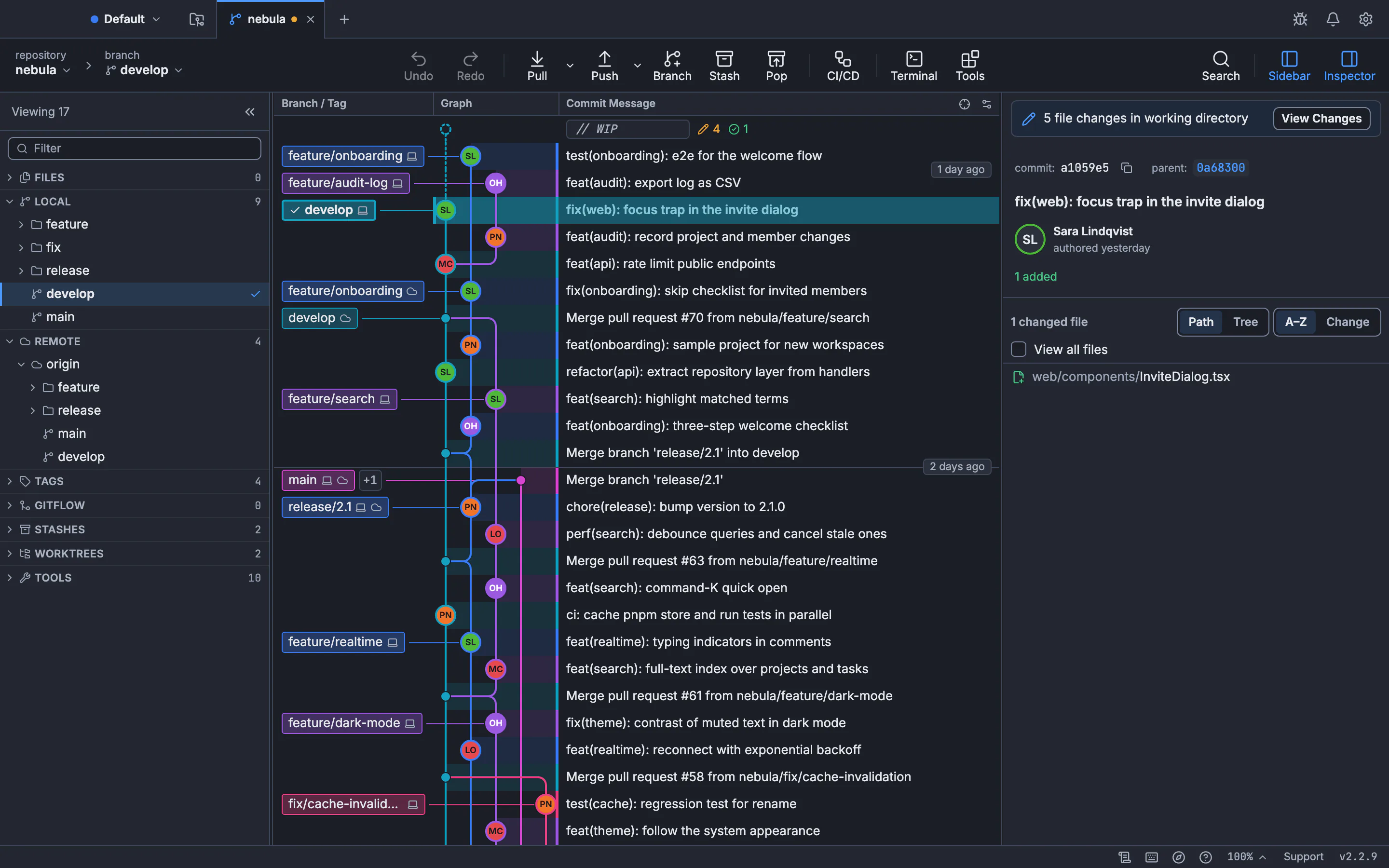
Git tree visualizer and viewer: how to see your Git history as a graph
Three ways to see your Git history as a tree: the git log graph in your terminal, gitk, and a clickable GUI commit graph. Then learn to read lanes and merges and find the commit you need.
Updated
- Git guides13 min read
How to Resolve Git Merge Conflicts on the Command Line and in a Three-Way Editor
How to resolve merge conflicts in Git: read the conflict markers, fix them with plain Git commands or in a visual three-way editor, and see conflicts coming before you merge. Plus rerere, aborting safely and undoing a merge.
Updated
- Git guides13 min read
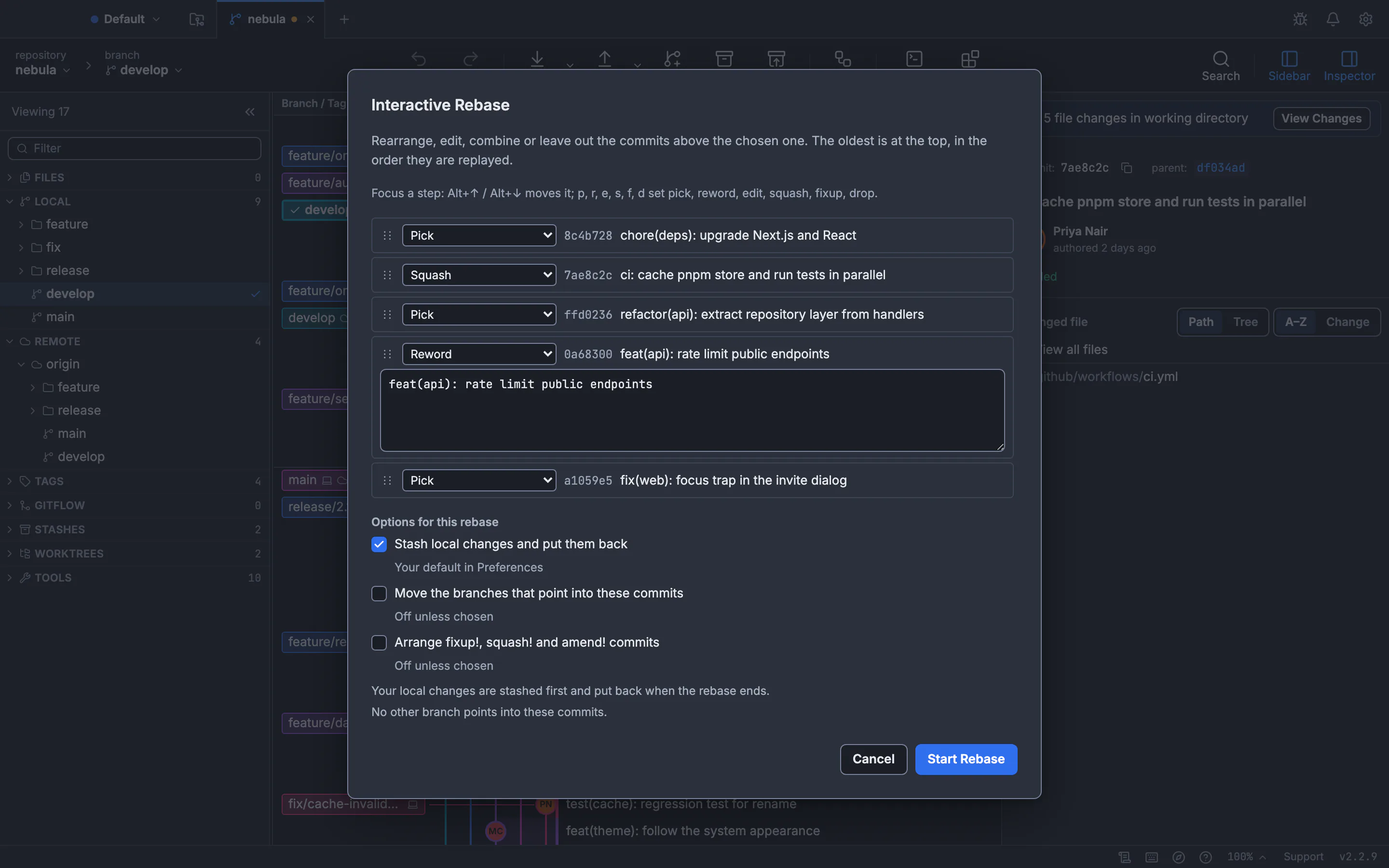
Git interactive rebase in a GUI: squash, fixup, reword, reorder and drop commits
How to squash, fix up, reword, reorder and drop commits with an interactive rebase GUI, what each action does in git rebase -i, and how to undo a rebase that went wrong.
Updated