Blog
Practical Git workflows
Follow a Git task from the first command to checking the result. These guides explain the common mistakes, recovery choices and corresponding steps in GitTree.
Explore the articlesStart here
Explore the articles
- Git guides8 min read
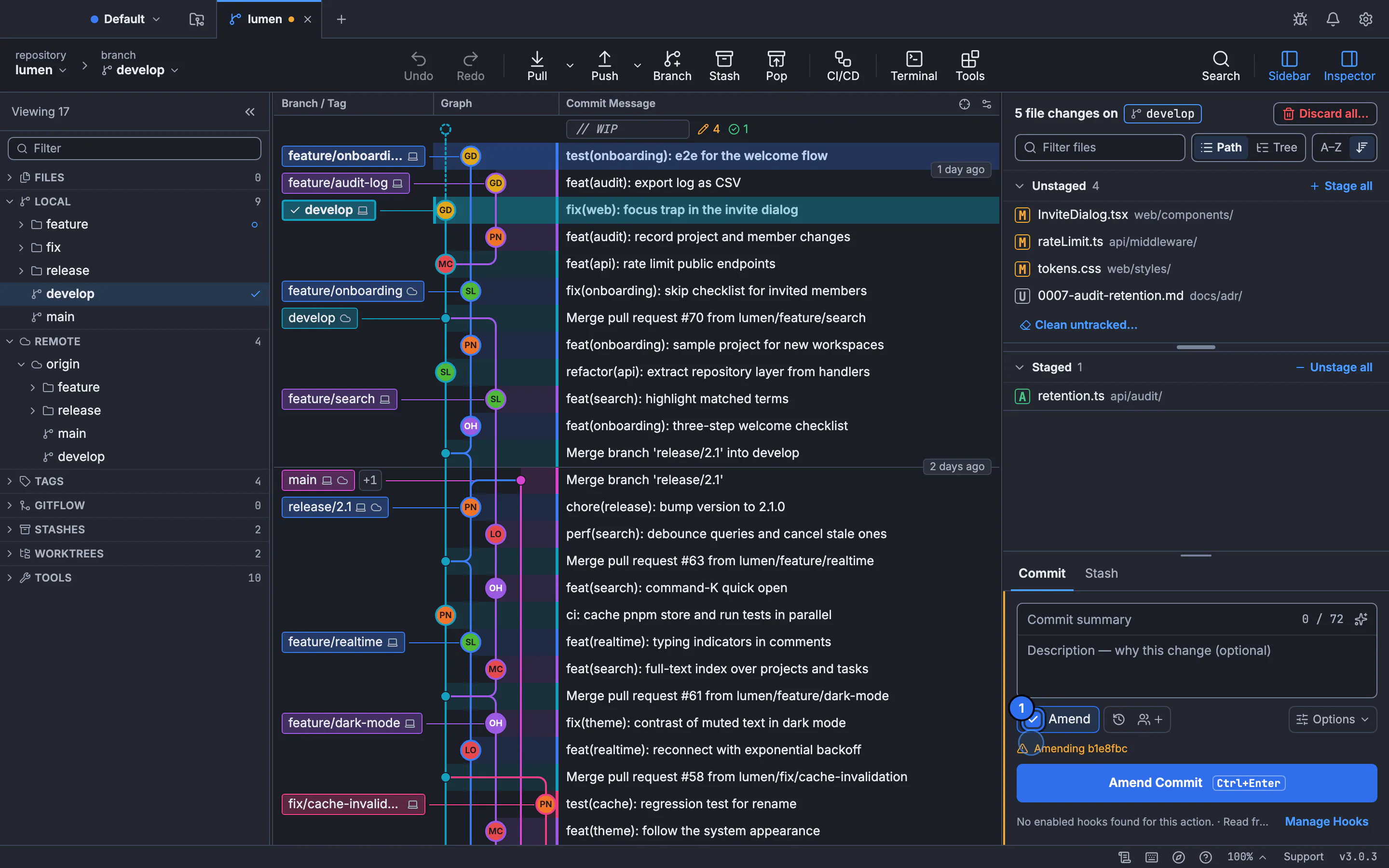
Git commit --amend: add changes to your last commit
Fold a forgotten file into your latest commit without adding a separate fix commit. Check what is staged, handle a pushed branch carefully and keep a way back.
Updated
- Git guides4 min read
How to set an upstream branch in Git
An upstream is the remote branch your local branch pushes to and pulls from. Here is how to set, check, change and remove one, how to fix the “no upstream branch” error, and what upstream means on a fork.
Updated
- Git guides4 min read
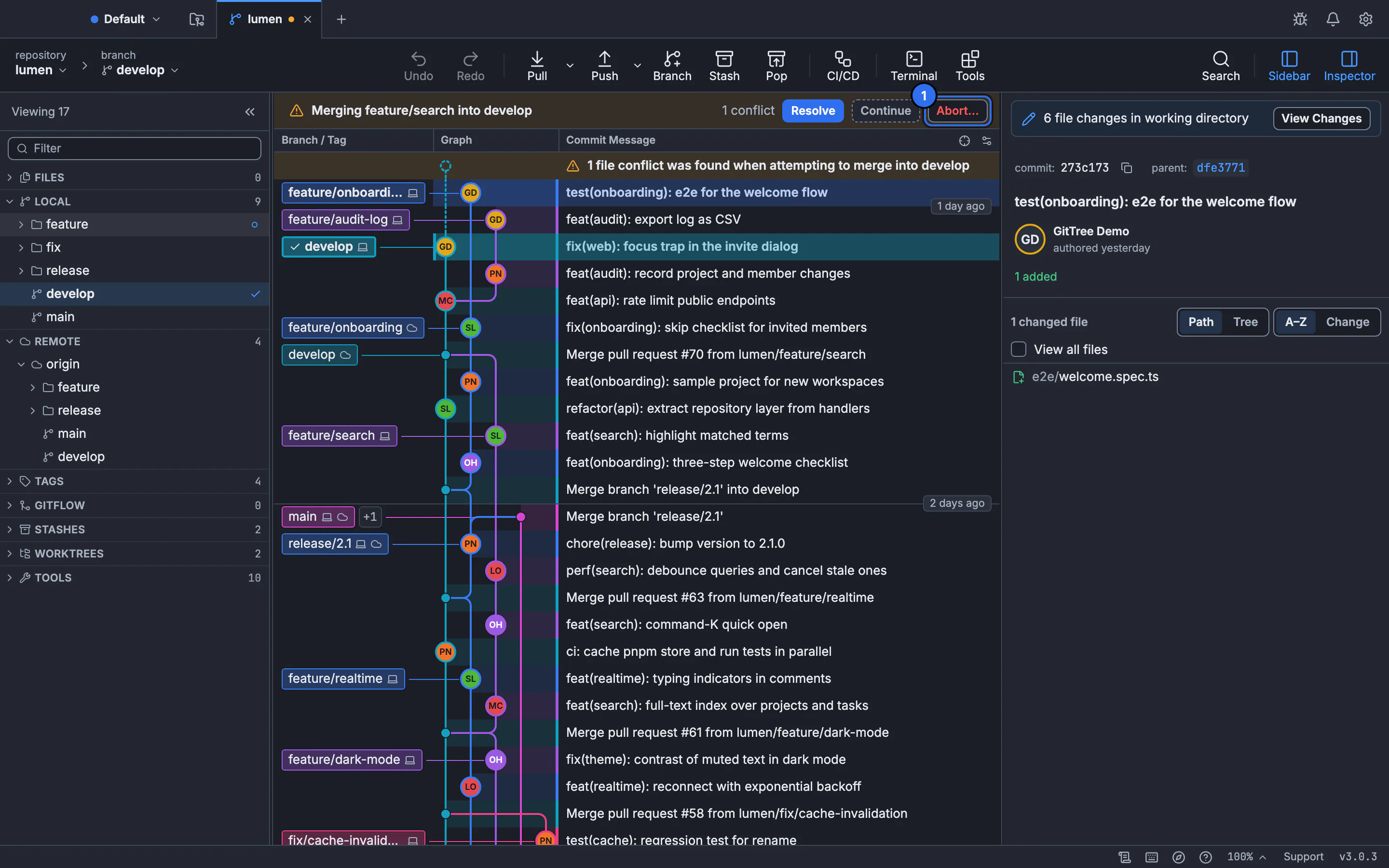
How to abort a Git merge or rebase
A merge stopped on conflicts and you want out. git merge --abort takes you back to where you started. Here is the right command for every stopped operation, what each one keeps, and what to do once it has already finished.
Updated
- Git guides4 min read
How to create and apply a patch in Git
A patch carries changes between repositories as a plain text file. Here is when to use git diff or git format-patch, when to use git apply or git am, and how to fix a patch that refuses to apply.
Updated
- Git guides4 min read
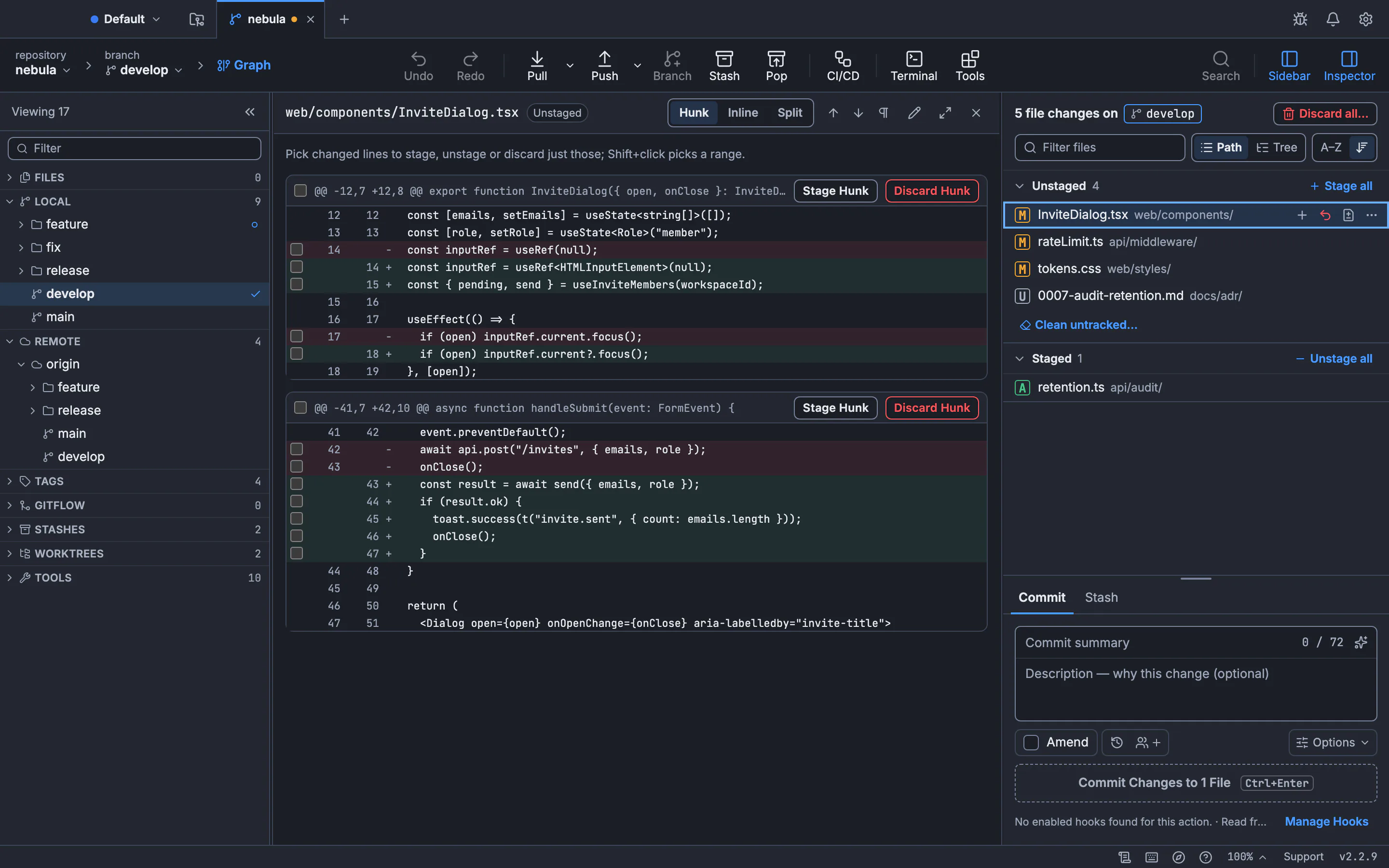
How to use git diff: commits, branches, files and side by side
One command compares your working folder, the staging area, commits, branches and tags. Here is which form to use for each, why two dots and three dots differ, and how to get a real side-by-side diff.
Updated
- Git guides6 min read
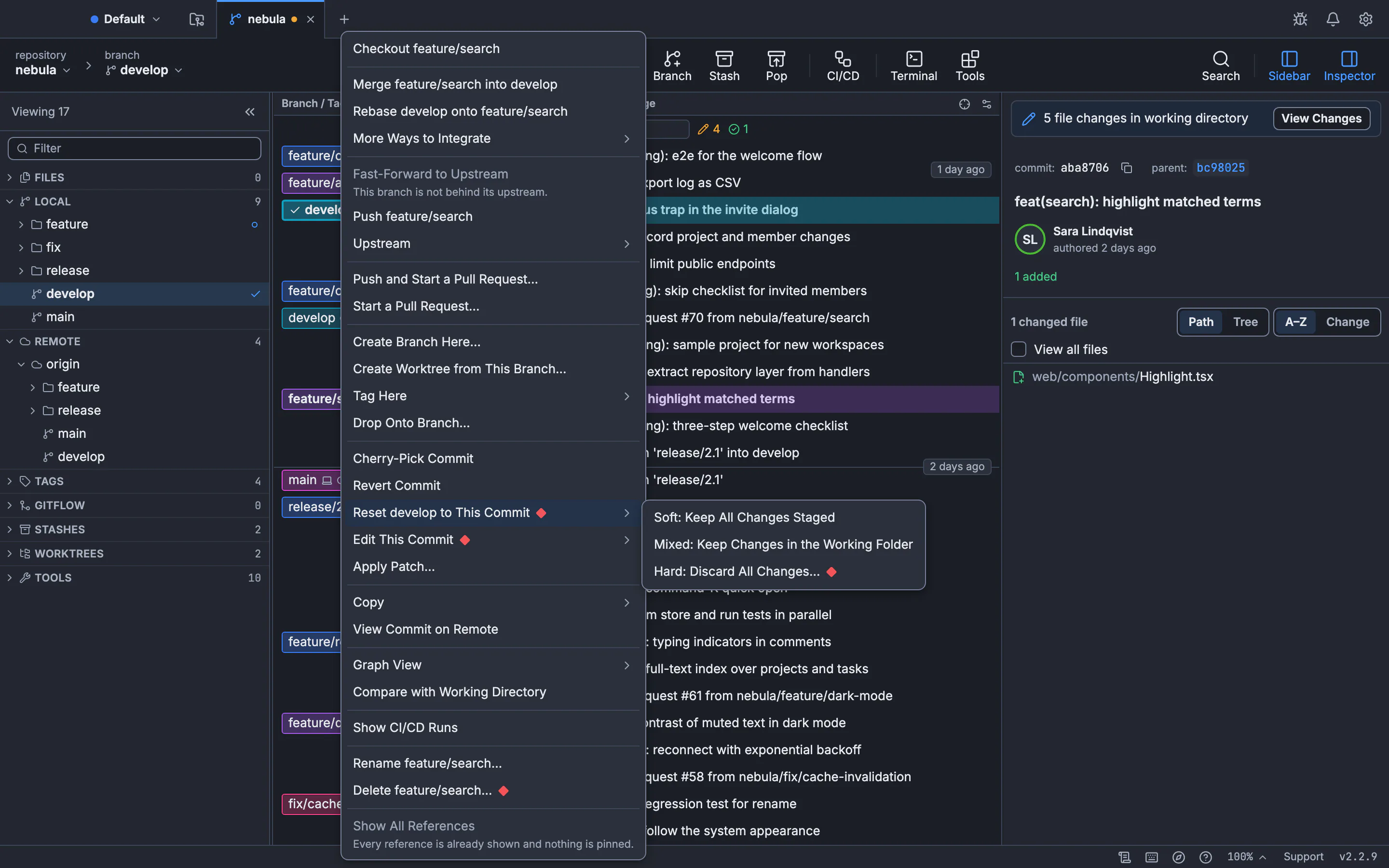
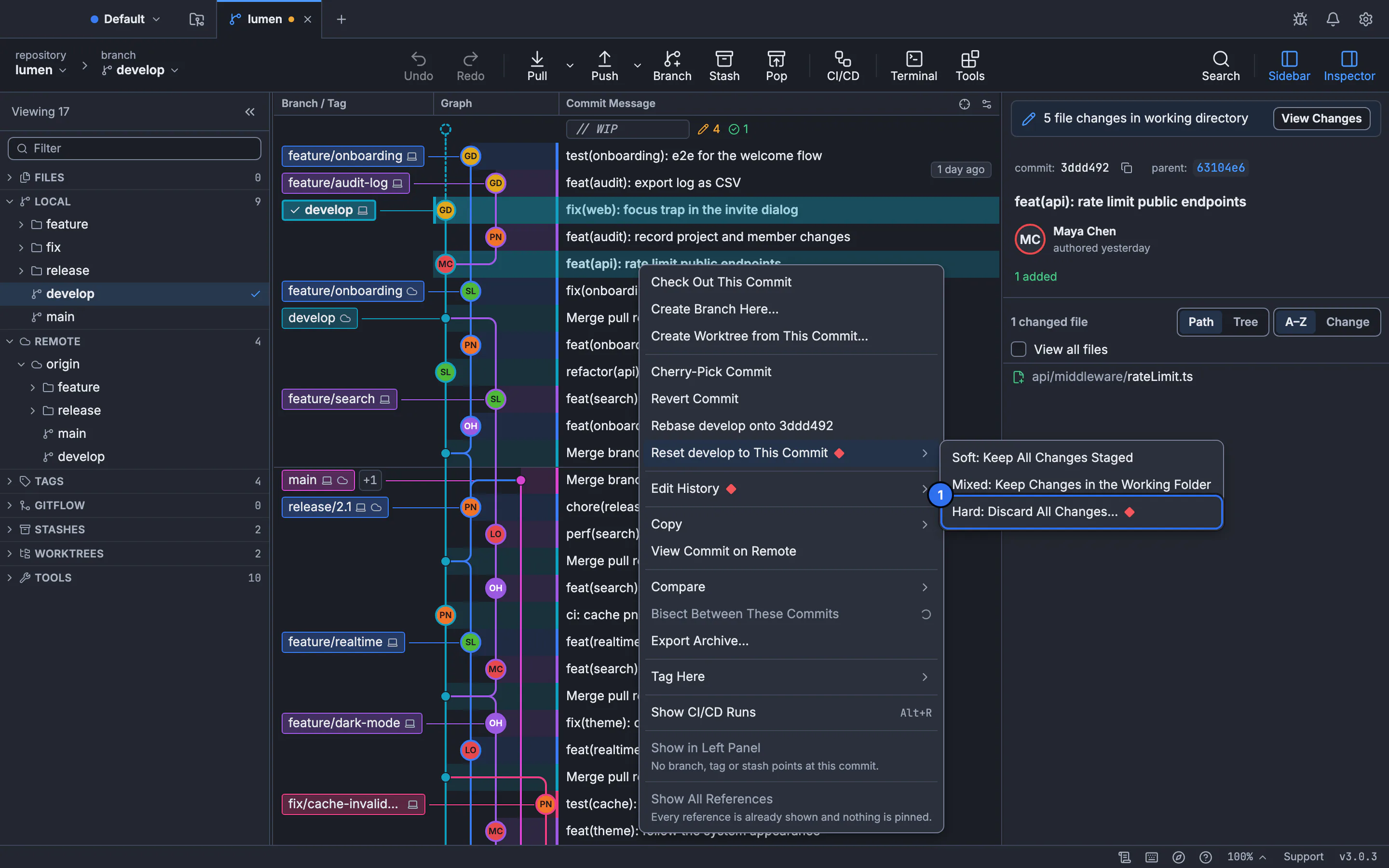
Git reset --hard, --soft and --mixed: what changes and what stays
Choose a reset mode by checking the branch, index and working files separately. Tested examples show what you keep, what you discard and how to recover a previous commit.
Updated
- Git guides4 min read
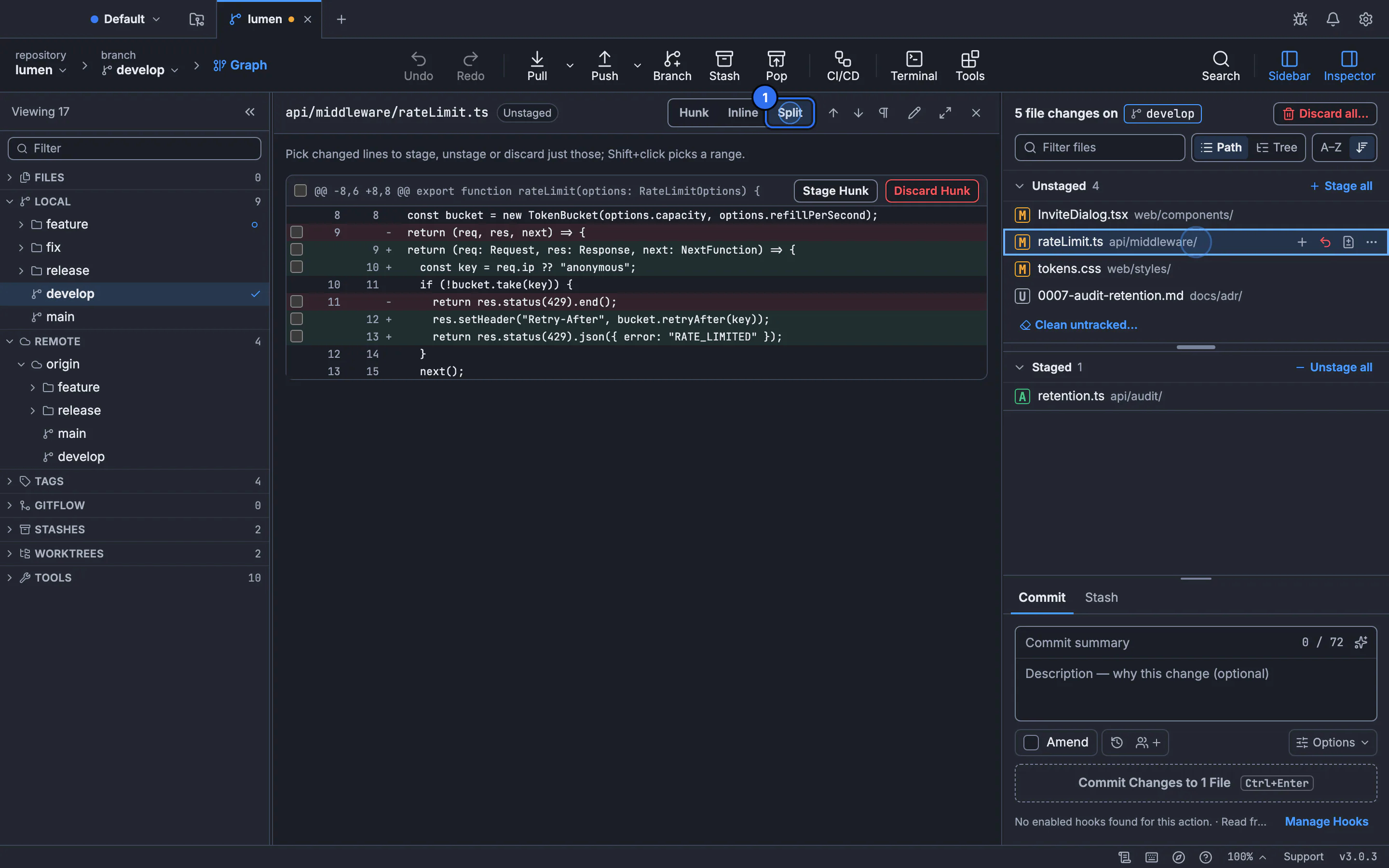
How to discard local changes and remove untracked files in Git
Three different commands clear three different kinds of change. Here is how to throw away edits, staged changes and new files, one file or everything, and how to preview it first so nothing important goes with them.
Updated
- Git guides4 min read
How to merge one Git branch into another
Merging takes two commands, but the direction trips people up, and Git may fast-forward or create a merge commit. Here is the exact sequence, what fast-forward means, and which option to use when.
Updated
- Git guides6 min read
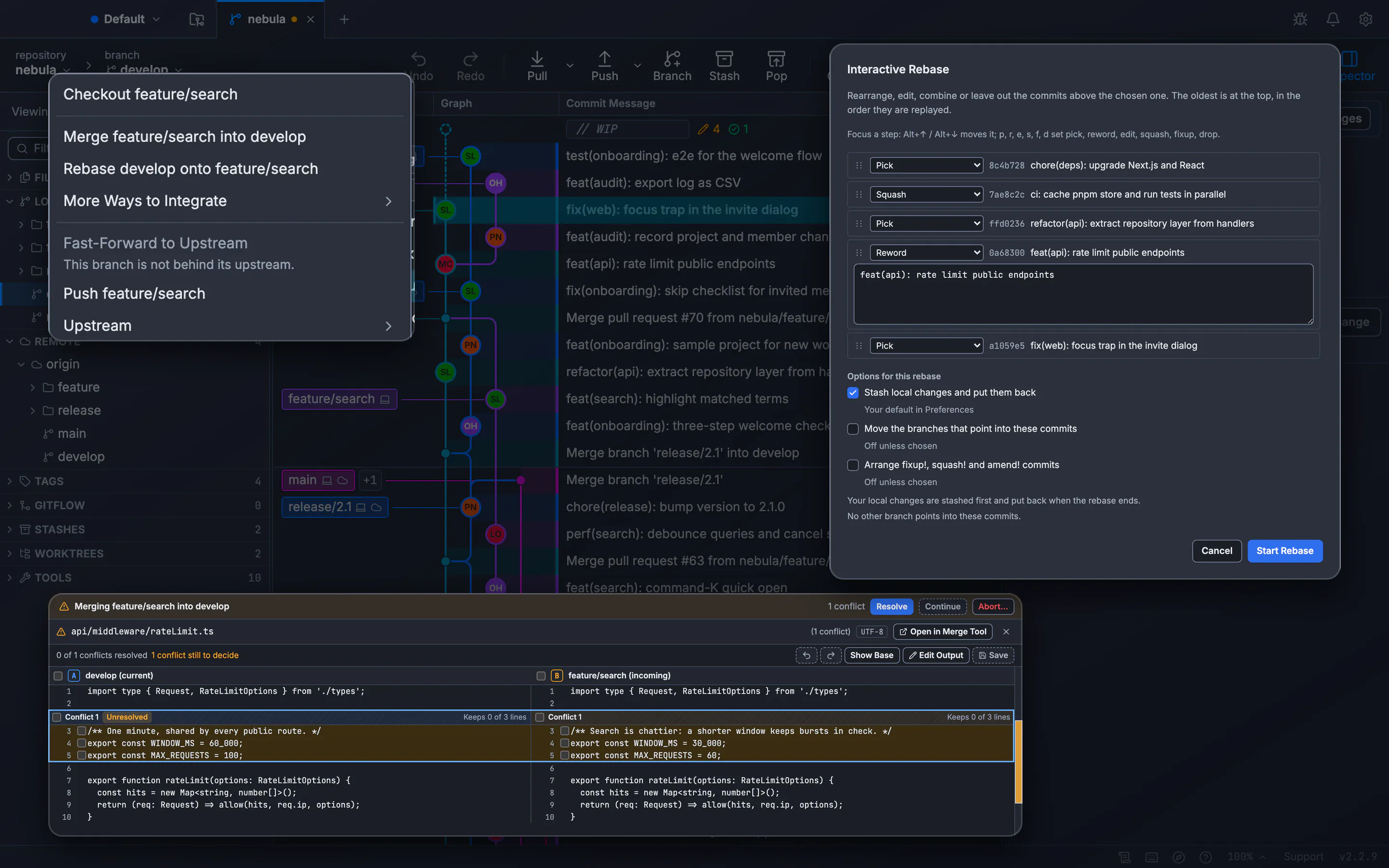
Git rebase branch: how to rebase safely, step by step
Rebasing takes one command. Doing it safely takes a few more: save the old tip, handle each conflict, compare the result, and push without overwriting a teammate. Here is the whole sequence.
Updated
- Git guides4 min read
How to revert a merge commit in Git without rewriting history
A merge commit has two parents, so Git needs to know which side to keep. Here is how to pick the parent, undo the merge safely on a shared branch, and bring the work back later.
Updated
- Git guides4 min read
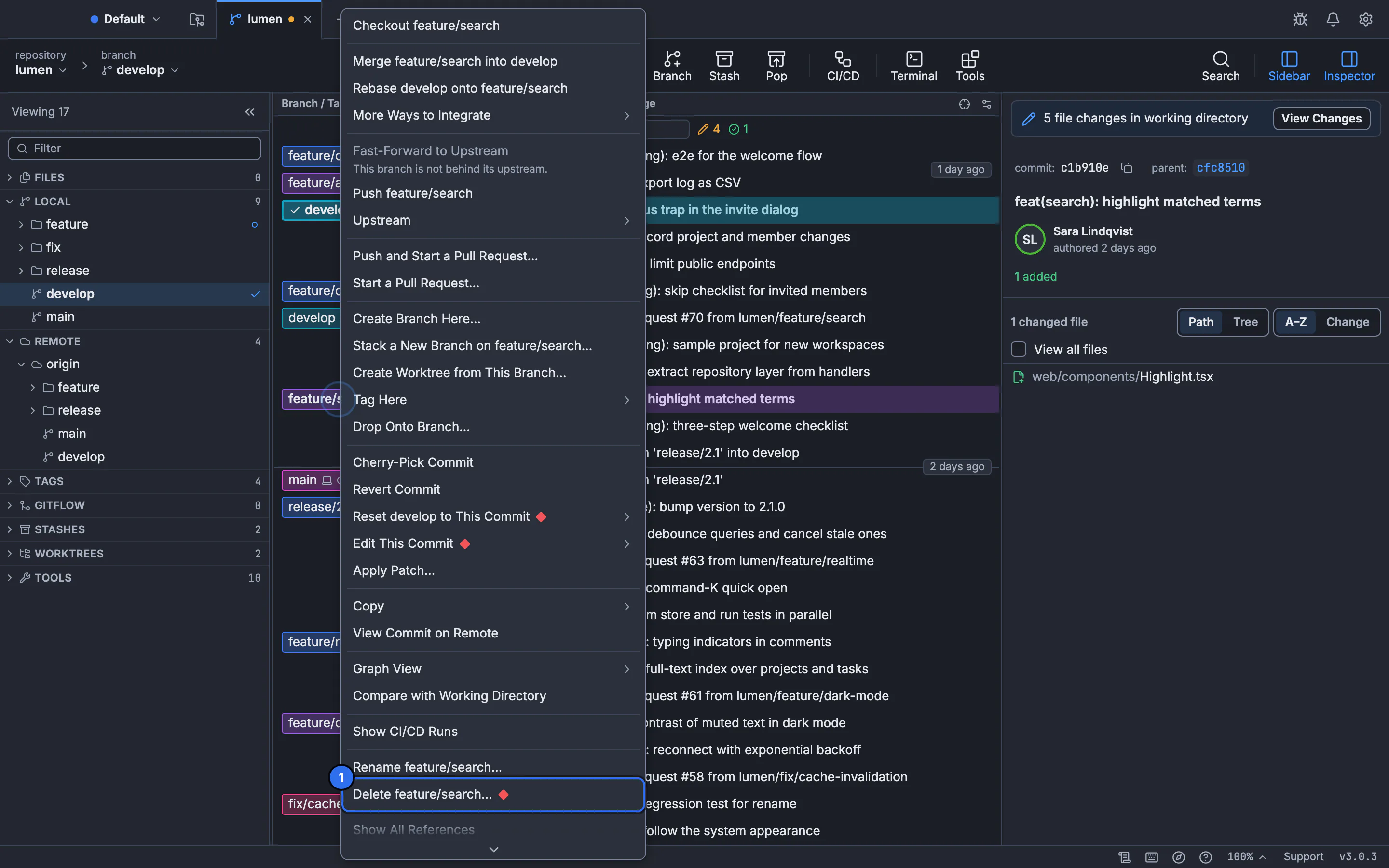
How to delete a Git branch, locally and on the remote
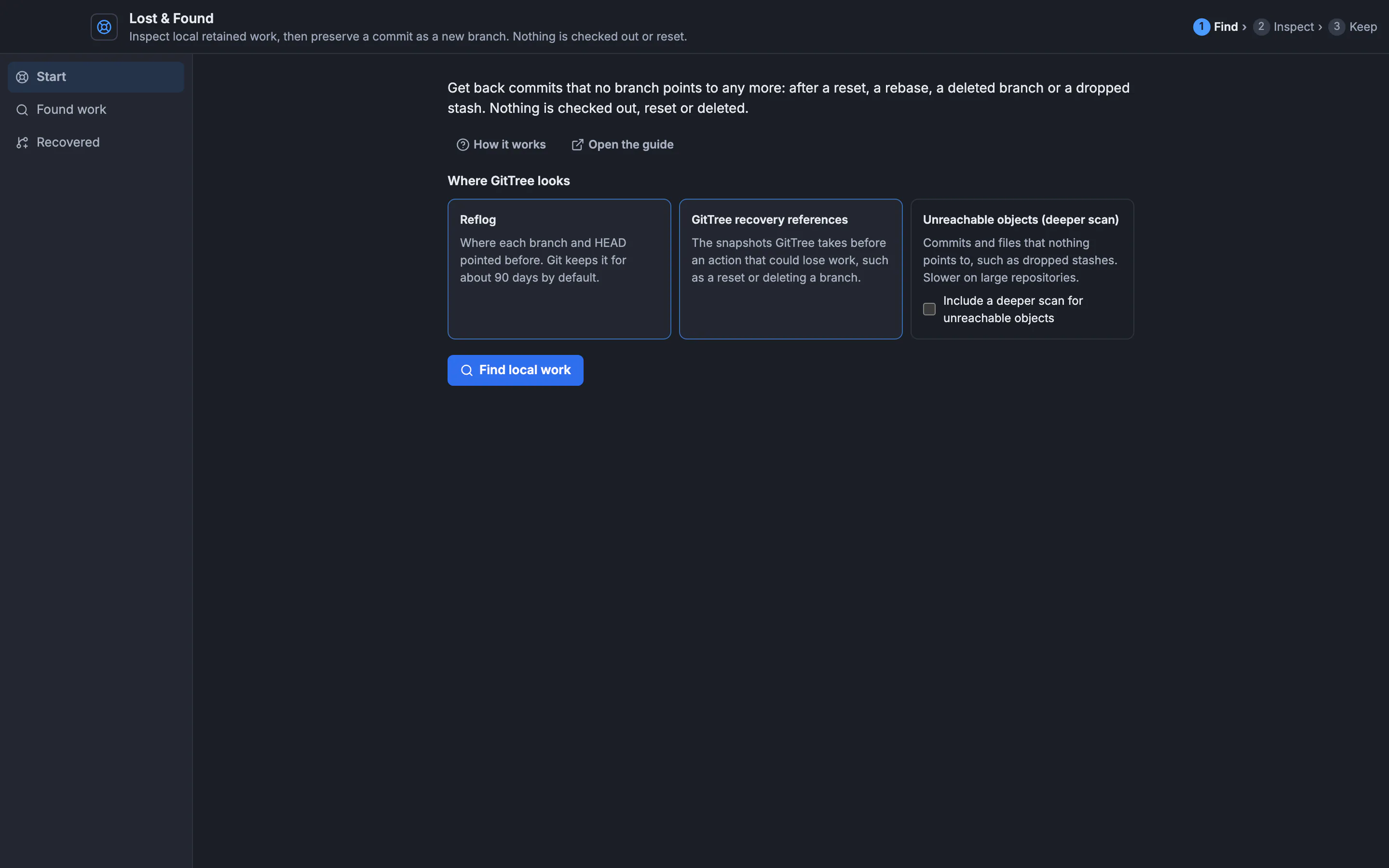
A local branch and its remote copy are two separate things. Here is how to delete each one, what the common errors mean, how to clean up stale refs, and how to recover a branch you deleted by mistake.
Updated
- Git guides3 min read
How to restore a deleted file in Git
The right command depends on one thing: how far the deletion got. Here are the three cases, how to find the commit that removed a file, and what Git cannot bring back.
Updated