How to create and apply a patch in Git
A patch carries changes between repositories as a plain text file. Here is when to use git diff or git format-patch, when to use git apply or git am, and how to fix a patch that refuses to apply.
Written by Kodmora
The software house behind GitTree
- Commits
- Remotes and push
On this page
To create a patch, run `git diff > fix.patch` for uncommitted changes, or `git format-patch -1 HEAD` for your last commit. To apply one, run `git apply fix.patch` or `git am 0001-my-change.patch`. Use git apply when you only want the changes in your working folder. Use git am when you want the original commit, with its message and author.
What is a Git patch?
A patch is a text file listing which lines to remove and add in which files. It suits times when you cannot push to the same remote: sending a fix by e-mail, moving a change between unrelated repositories, or keeping a local change outside version control. When you and the other person share a remote, a branch is simpler.
How do I create a patch from uncommitted changes?
# unstaged changes
git diff > fix.patch

# staged changes
git diff --staged > fix.patch

# everything since the last commit
git diff HEAD > fix.patch

# include binary files
git diff --binary > fix.patch
New files that are not staged do not appear in git diff. Run git add on them first and use --staged.
How do I create a patch from commits?
# the last commit
git format-patch -1 HEAD

# the last three commits, one file each
git format-patch -3

# everything on this branch that main does not have
git format-patch main..feature/search -o patches/

# all of it in a single file
git format-patch main --stdout > feature.patch
format-patch writes files named like 0001-add-search-box.patch. Each keeps the commit’s message, author and date, which a plain git diff loses.
How do I apply a patch?
Check it first. These two commands change nothing:
# what it touches
git apply --stat fix.patch

# whether it will apply
git apply --check fix.patch
Then apply it the way you need:
# into the working folder, nothing staged
git apply fix.patch

# into the working folder and the staging area
git apply --index fix.patch

# as commits, with their messages and authors
git am patches/*.patch
What is the difference between git apply and git am?
git apply | git am | |
|---|---|---|
| Reads | Any diff | Files from git format-patch, or mailboxes |
| Result | Changed files, no commit | One commit per patch |
| Keeps message and author | No | Yes |
| On a failure | Applies nothing by default | Stops; continue or git am --abort |
How do I fix “patch does not apply”?
error: patch failed: src/search.ts:14
error: src/search.ts: patch does not apply
The file changed since the patch was made, so its context lines no longer match. Try these in order:
git apply --3way fix.patchuses the original blobs to merge, and leaves normal conflict markers. It needs those blobs in your repository.git apply --whitespace=fix fix.patchhelps when only spaces or line endings differ.git apply --reject fix.patchapplies what it can and writes the failed parts to.rejfiles for you to do by hand.- Check out the commit the patch was made from, apply it there, then rebase.
For git am, use git am --3way, resolve the conflict, git add the file and run git am --continue. To back out, run git am --abort, as listed in how to abort a merge or rebase.
How do I undo a patch?
git apply -R fix.patch-R applies the patch in reverse. If you used git am, the commits are normal commits, so undo them with `git reset` or `git revert`.
How to create and apply a patch in GitTree
Save a patch
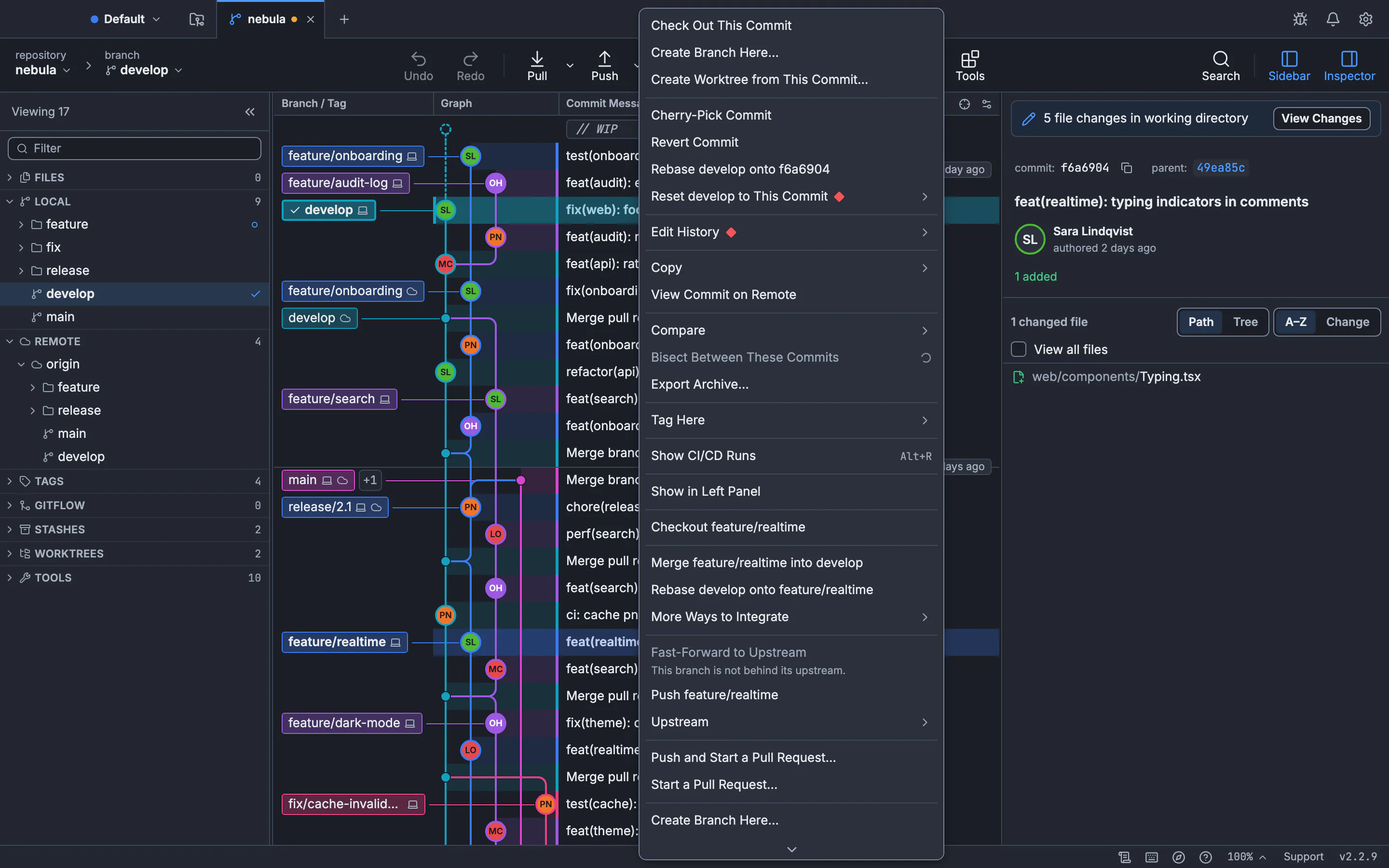
Right-click a commit and open Copy, then Create Patch from Commit…. Select several commits for Create Patch from Commits…, or right-click a changed file for Create Patch from File Changes….
Apply a patch
Run Apply Patch… from the command palette and choose the file. GitTree says how many files and commits it holds, and whether it includes binary changes.
Choose how to apply it
Under Apply to, choose Working tree only (
git apply), Working tree and stage the changes (git apply --index) or As commits on the current branch (git am), then press Apply.
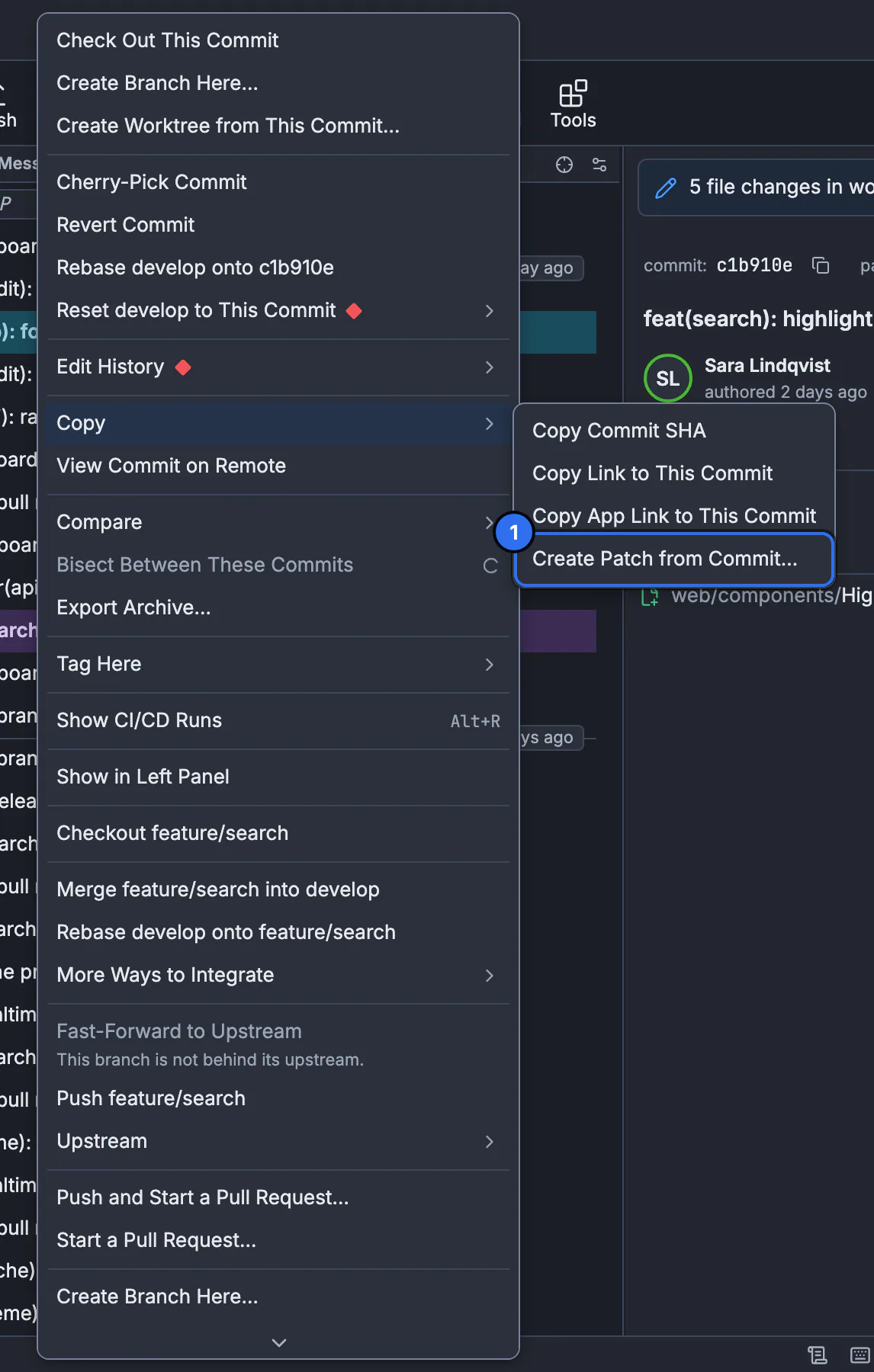
The guide to creating and applying patches lists every option.
Frequently asked questions
What is the difference between git diff and git format-patch?
git diff writes only the changes. git format-patch writes one file per commit with the message, author and date, so git am can recreate the commit.
Does git apply create a commit?
No. It only changes files. Review them, then commit as usual. Use git am to get commits.
How do I apply a patch from GitHub?
Add .patch to the end of a commit or pull request URL on GitHub, download the file and run git am on it.
Can a patch include binary files?
Yes, if you create it with git diff --binary. git format-patch includes binary changes by default.
Is cherry-pick better than a patch?
When both commits are in one repository or a fetched remote, yes: `git cherry-pick` is shorter and tracks the source commit. Patches are for when the repositories cannot reach each other.
Sources
Claims about other products were checked against their official pages on November 7, 2026. Prices and features change; the vendors’ pages are the source of truth.