How to use git diff: commits, branches, files and side by side
One command compares your working folder, the staging area, commits, branches and tags. Here is which form to use for each, why two dots and three dots differ, and how to get a real side-by-side diff.
Written by Kodmora
The software house behind GitTree
- Commit history
- Branches
- Commits
On this page
`git diff` with no arguments shows changes you have not staged. `git diff --staged` shows what the next commit will contain, and `git diff main feature` compares two branches. Add -- path/to/file to any form to limit it to one file. Git itself has no side-by-side view in the terminal. For that you need git difftool or a Git GUI.
Which git diff command do I need?
| You want to see | Command |
|---|---|
| Changes not staged yet | git diff |
| What the next commit will contain | git diff --staged |
| Everything since the last commit | git diff HEAD |
| Two commits | git diff <a> <b> |
| Two branches, tip to tip | git diff main feature |
| What a branch added since it split off | git diff main...feature |
| Two tags | git diff v1.0 v2.0 |
| One file | git diff -- src/search.ts |
How do I read git diff output?
diff --git a/src/search.ts b/src/search.ts
index 4e1f2a0..9b3c7d1 100644
--- a/src/search.ts
+++ b/src/search.ts
@@ -12,7 +12,7 @@ export function search(query: string) {
   const terms = tokenize(query);
-  return index.find(terms, { limit: 20 });
+  return index.find(terms, { limit: 50 });
}---and+++name the old and new versions of the file.@@ -12,7 +12,7 @@is a hunk header: 7 lines from line 12 in each version.- Lines starting with
-were removed, lines with+were added, the rest is context.
The reading diffs lesson practises this step by step.
How do I diff two commits?
# any two commits, older first
git diff 3e52f10 7c1d9ab

# the last commit against the one before it
git diff HEAD~1 HEAD

# one commit against its parent, with the message
git show 7c1d9ab
How do I diff two branches?
# the tips of both branches
git diff main feature

# only what feature added since it left main
git diff main...feature

# a remote branch
git fetch origin
git diff main origin/mainHow do I diff one file?
# working copy against the last commit
git diff HEAD -- src/search.ts

# the same file on two branches
git diff main feature -- src/search.ts

# a file at two commits
git diff HEAD~3 HEAD -- src/search.ts

# two files outside any repository
git diff --no-index old.txt new.txt
How do I make git diff ignore whitespace?
| Option | What it ignores |
|---|---|
-w or --ignore-all-space | All whitespace, including re-indented lines |
-b or --ignore-space-change | Changes in the amount of whitespace |
--ignore-space-at-eol | Whitespace at the end of lines |
--ignore-blank-lines | Added or removed blank lines |
These affect only what the diff shows. They do not change what gets staged or committed. -w is the one to reach for when a re-indent makes a whole file look changed.
How do I list only the changed files?
# names only
git diff --name-only main...feature

# names with A, M, D or R
git diff --name-status main...feature

# lines added and removed per file
git diff --stat main...feature
How do I see which words changed?
git diff --word-diff
git diff --color-words
Word diffs help with long lines, such as Markdown paragraphs, where one changed word marks the whole line as changed.
How do I get a side-by-side diff?
Plain git diff prints a single column and has no side-by-side option. You have three ways to get two columns: point git difftool at a diff program, install a terminal pager such as delta, or use a Git GUI.
# pick a tool once
git config --global diff.tool vimdiff

# open each changed file in it
git difftool main...feature

# skip the prompt for each file
git difftool -y
How to read a side-by-side diff in GitTree
Open a diff
Select a changed file in your working changes or in any commit.
Pick the view
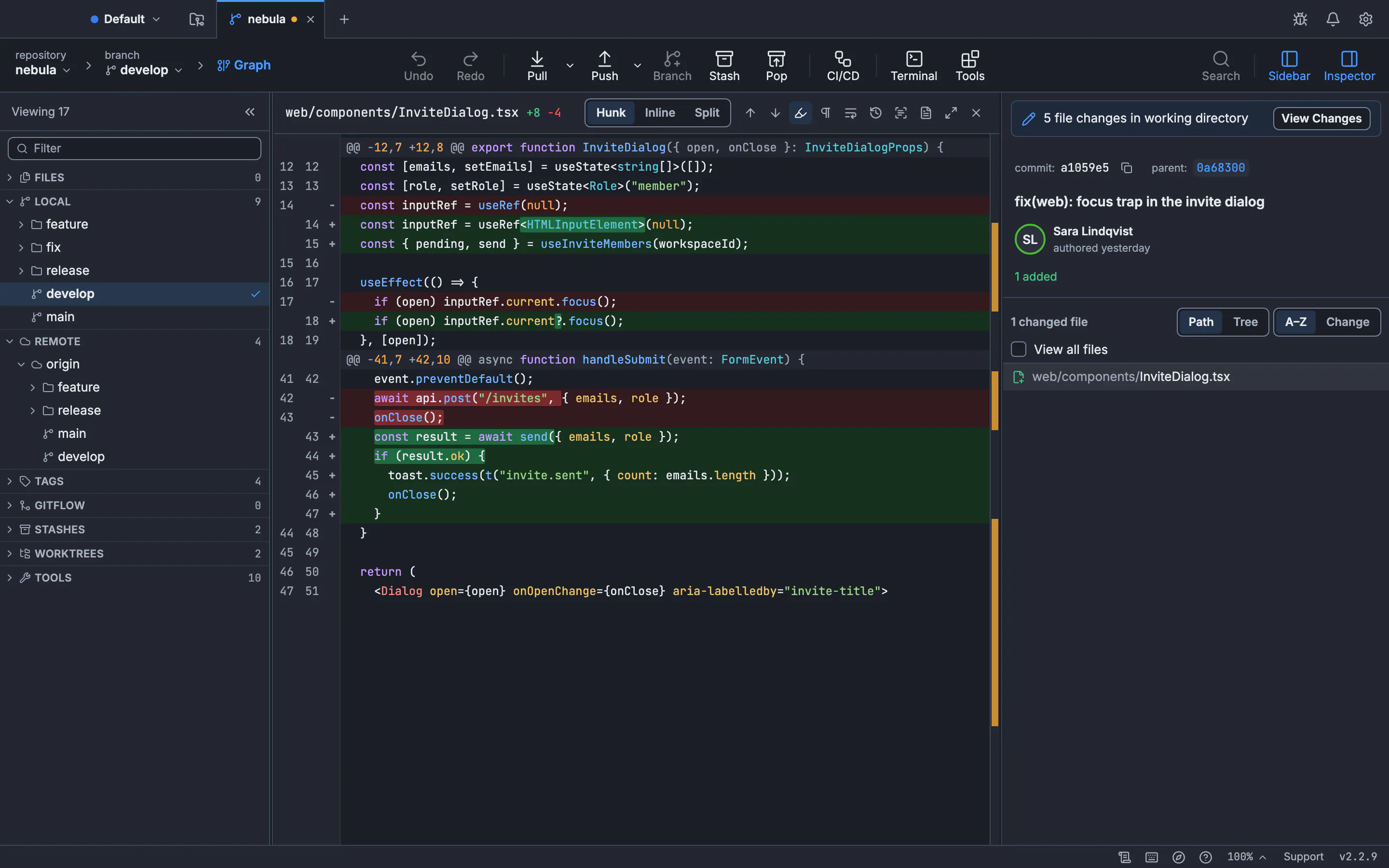
Under Diff view above the diff, choose Hunk, Inline or Split. Split shows before and after side by side.
Adjust it
From the command palette, run Ignore Whitespace in Diffs, Highlight Changed Words or Wrap Diff Lines.
Compare two branches
Run Compare References… to pick any two branches, tags or commits, and see the changes since their merge base or tip to tip.
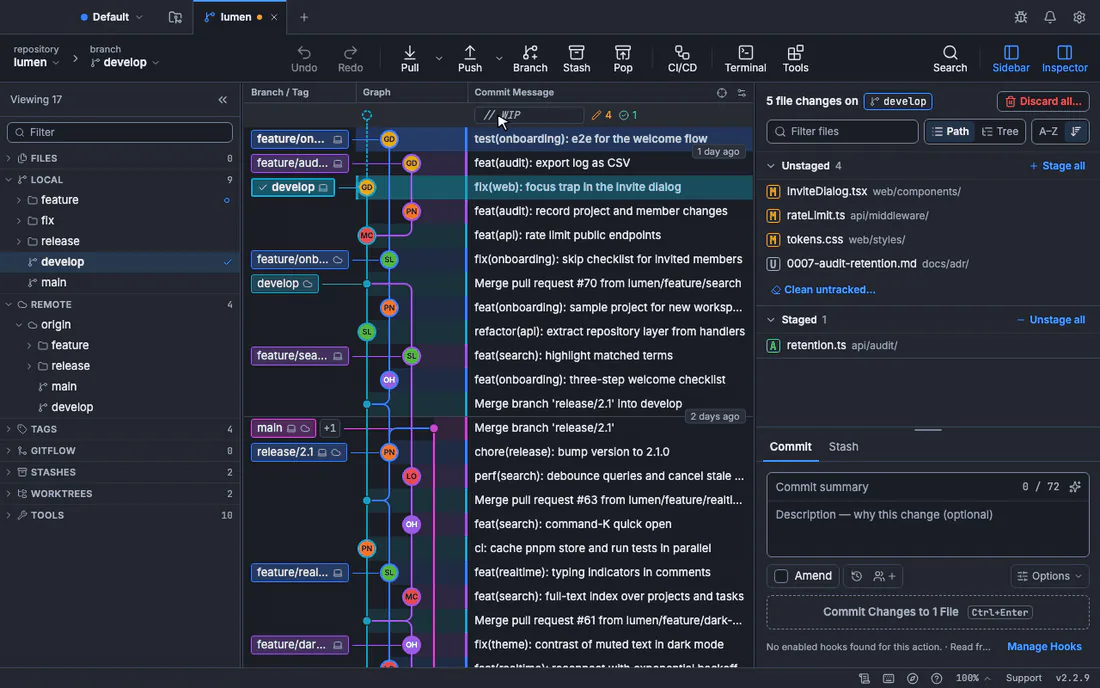
See choose and use a diff view and compare references for every option.
Frequently asked questions
Why does git diff show nothing?
Your changes are probably staged. git diff compares the working folder with the staging area, so run git diff --staged or git diff HEAD. New untracked files never appear until you add them.
What is the difference between git diff and git status?
git status lists which files changed. git diff shows the changed lines inside them.
How do I compare my branch with main?
Run git diff main...HEAD to see only your branch’s work. Fetch first and use origin/main to compare with the latest remote version.
Is git diff --cached the same as --staged?
Yes. They are two names for the same option.
How do I save a diff to a file?
Run git diff > changes.patch. You can apply the file later, as shown in how to create and apply a patch.
Sources
Claims about other products were checked against their official pages on November 7, 2026. Prices and features change; the vendors’ pages are the source of truth.