Blog
Practical Git workflows · Page 2
Follow a Git task from the first command to checking the result. These guides explain the common mistakes, recovery choices and corresponding steps in GitTree.
Explore the articlesExplore the articles
- Git guides6 min read
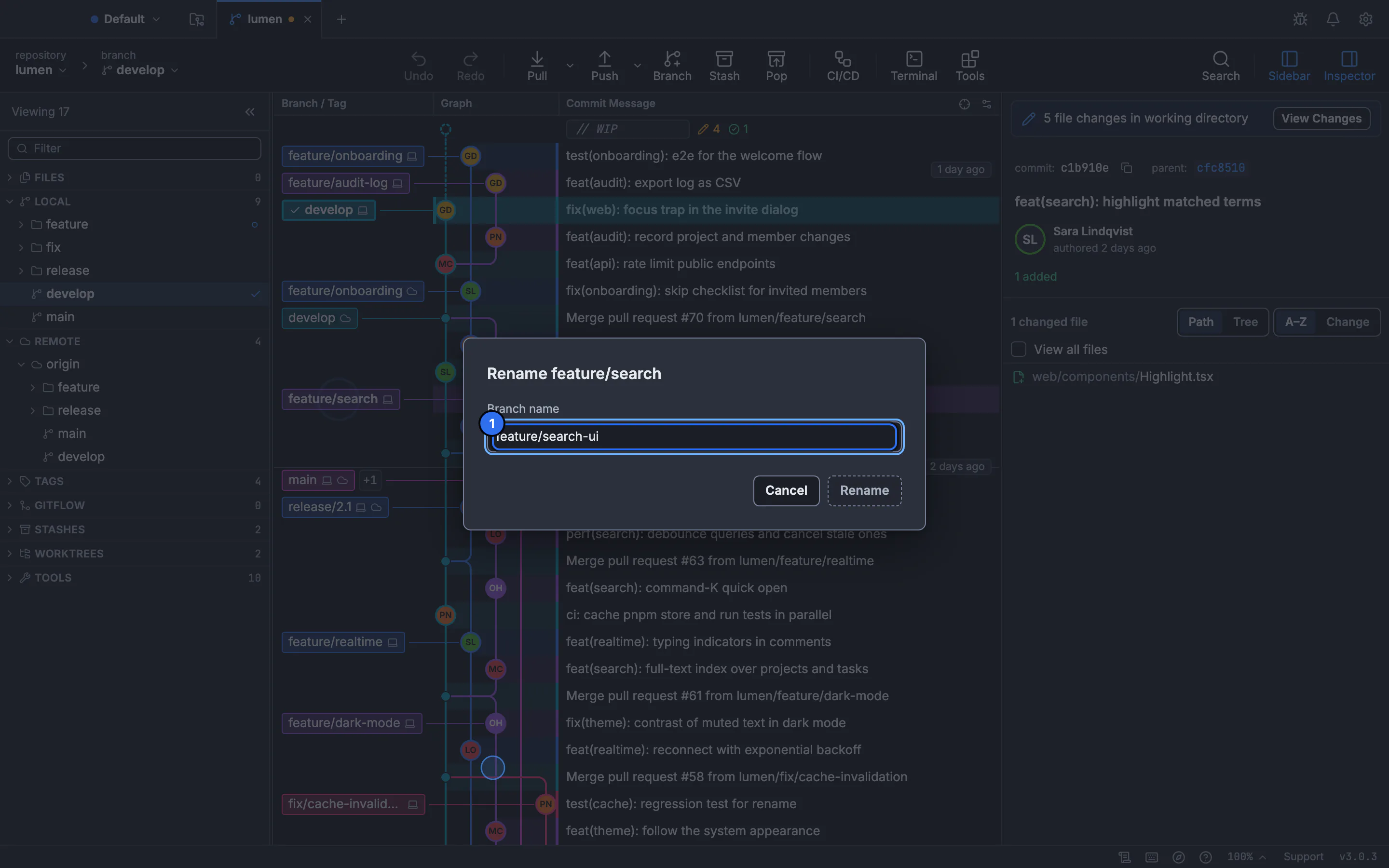
Git rename branch: change a local or remote branch name
Renaming a local branch takes one command. Remotes have no rename, so you push the new name and delete the old one. Here is the whole sequence, including what your teammates need to do.
Updated
- Git guides5 min read
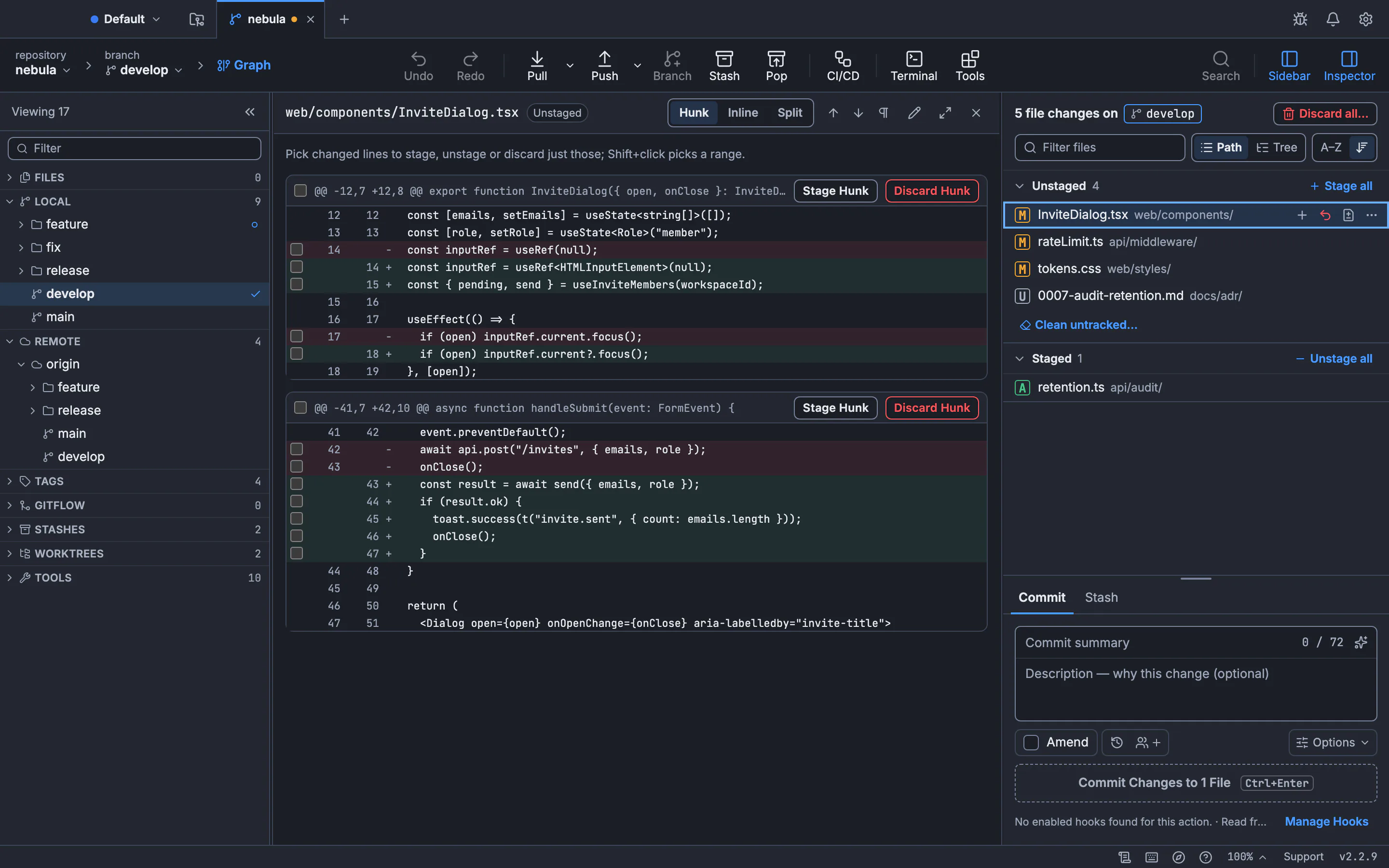
Git add -p: stage specific lines and make focused commits
Two unrelated changes ended up in one file. Commit the fix now and leave the refactor for later: a practical guide to the staging area, patch mode and GitTree’s line selection.
Updated
- Git guides8 min read
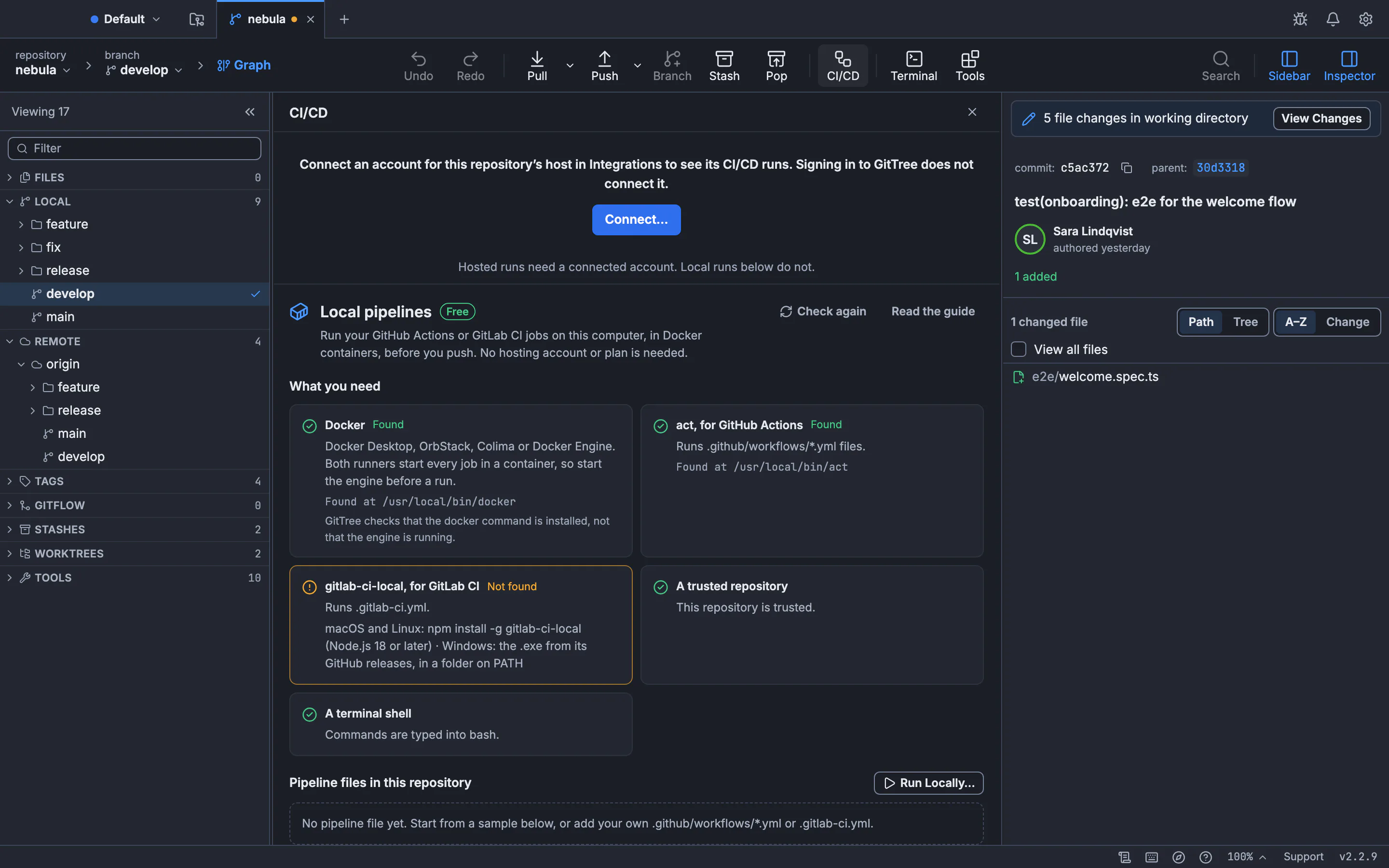
How to run GitHub Actions and GitLab CI locally before you push
Stop pushing “fix ci” commits to see whether a workflow passes. Run the same jobs on your own computer in Docker with act or gitlab-ci-local, in minutes, then push once. Includes a ready-to-run sample and a visual walkthrough.
Updated
- Git guides6 min read
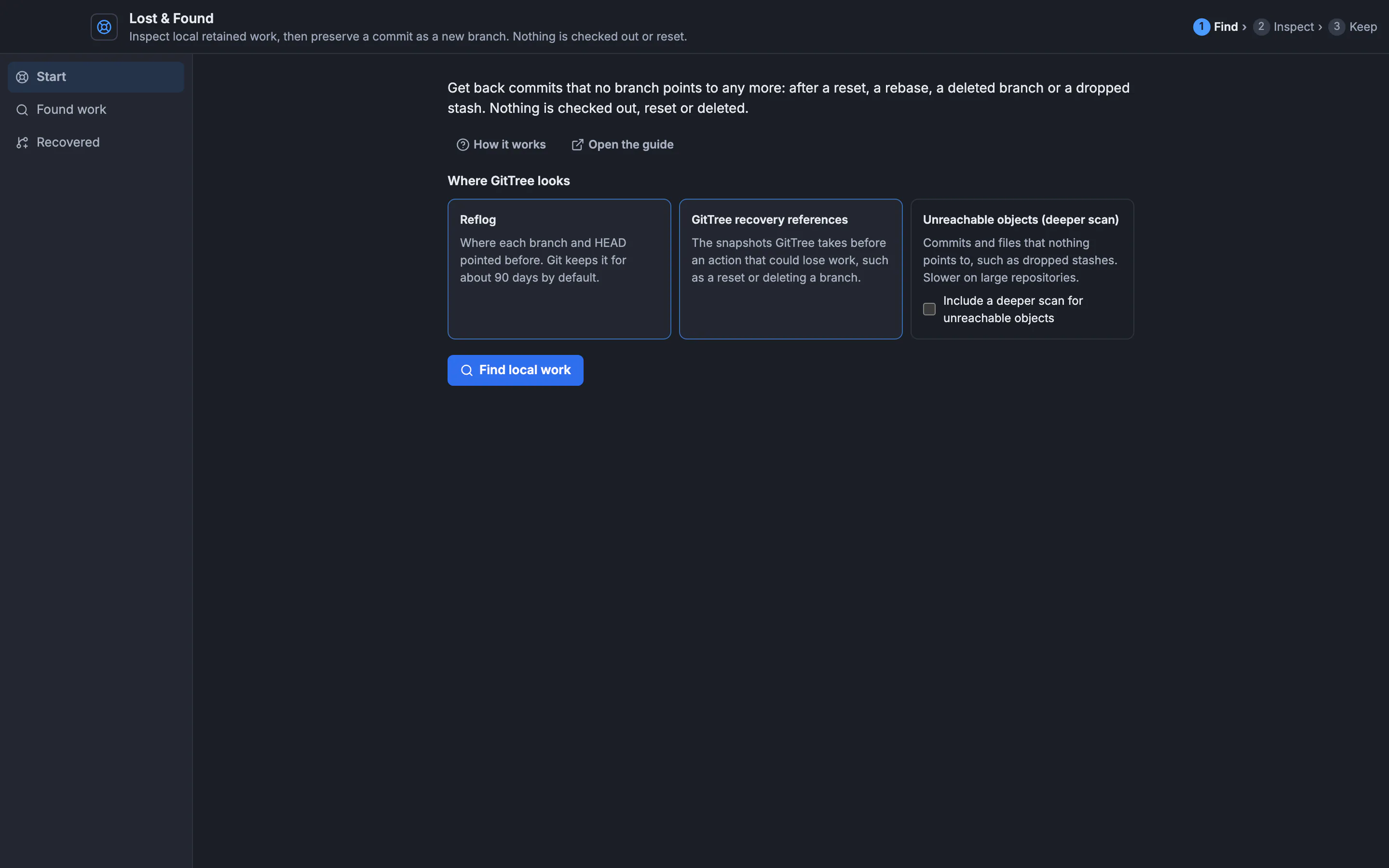
How to recover a dropped Git stash, a deleted branch or lost commits
A dropped stash or a deleted branch is rarely gone for good: Git keeps the commits until garbage collection removes them. Find them with the reflog or git fsck, check what they hold, and put them back on a branch before it is too late.
Updated
- Git guides6 min read
Create and switch Git branches: choose the right starting point
A new branch is easy; starting it from the wrong commit is the expensive part. Learn how to create, switch and track branches, protect unfinished edits, and check the result in GitTree.
Updated
- Git guides6 min read
Git stash: save changes, switch branches and restore your work
An urgent fix interrupts unfinished work. Save it with Git stash, restore the right entry later, and understand apply, pop and conflicts before you click. Includes a visual GitTree walkthrough.
Updated
- Git guides10 min read
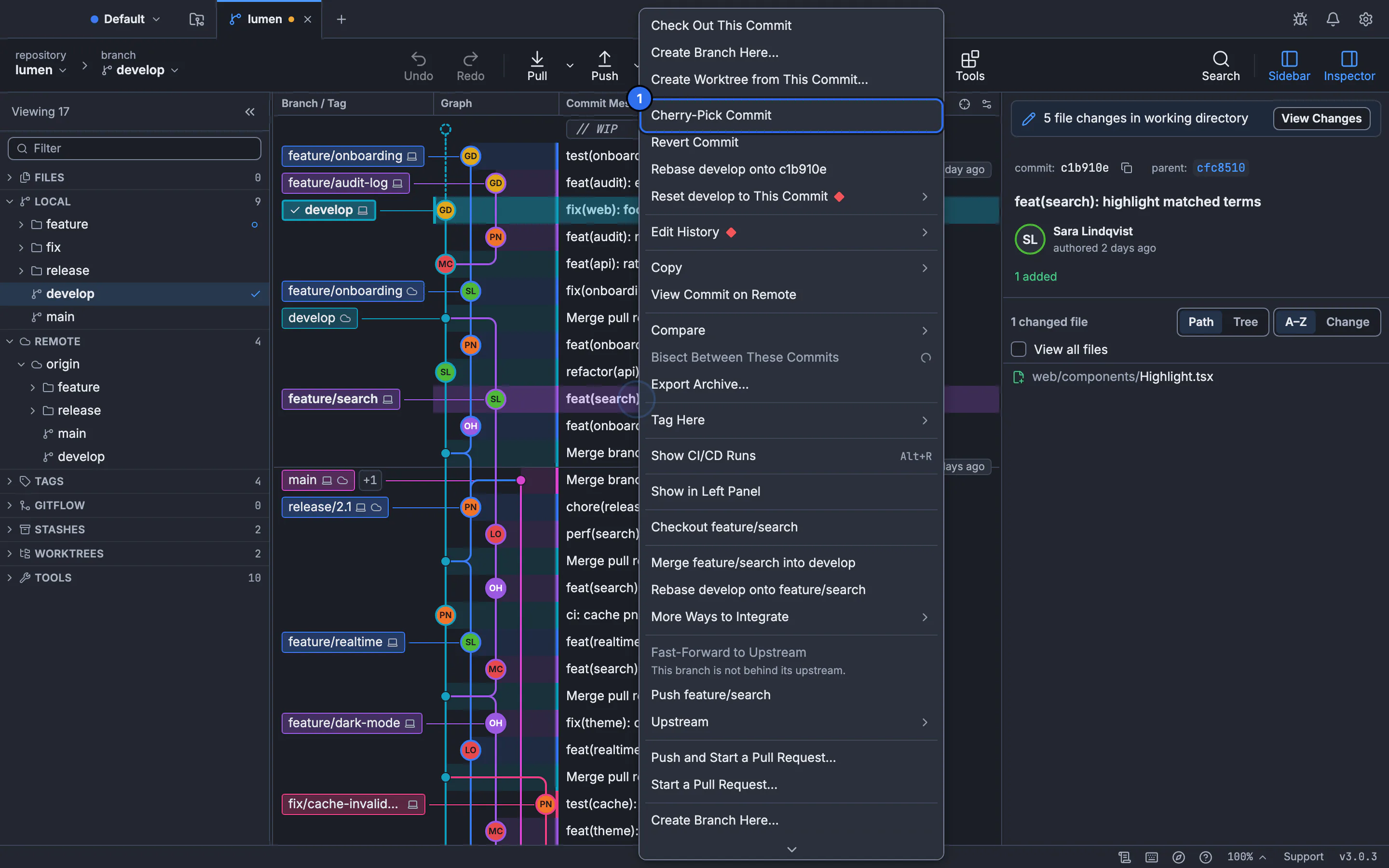
Git cherry-pick: copy a commit to another branch and fix conflicts
Need one bug fix without merging the whole feature branch? Learn how cherry-pick works, choose the correct destination, handle dependent commits, and review the result visually in GitTree.
Updated
- Git guides8 min read
Free Git GUI for University Students: GitTree Pro for 2 Years
Learn Git with a visual client, collaborate on university projects, and understand GitTree’s one-time student offer: full individual Pro for 24 months, automatic academic-email signup, then Free unless you choose to subscribe.
Updated
- Git guides12 min read
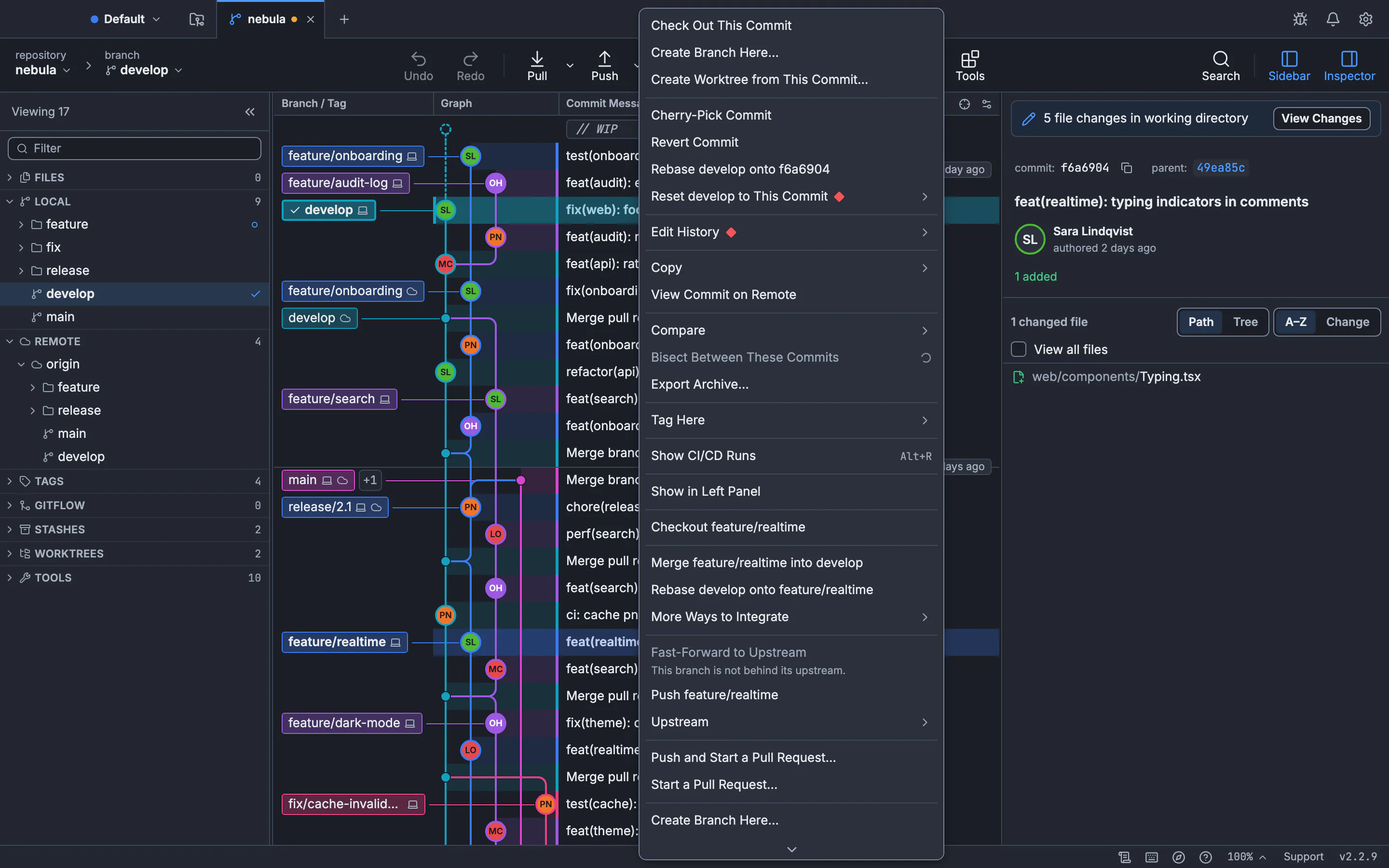
Git tree visualizer and viewer: how to see your Git history as a graph
Three ways to see your Git history as a tree: the git log graph in your terminal, gitk, and a clickable GUI commit graph. Then learn to read lanes and merges and find the commit you need.
Updated
- Git guides13 min read
How to Resolve Git Merge Conflicts on the Command Line and in a Three-Way Editor
How to resolve merge conflicts in Git: read the conflict markers, fix them with plain Git commands or in a visual three-way editor, and see conflicts coming before you merge. Plus rerere, aborting safely and undoing a merge.
Updated
- Git guides13 min read
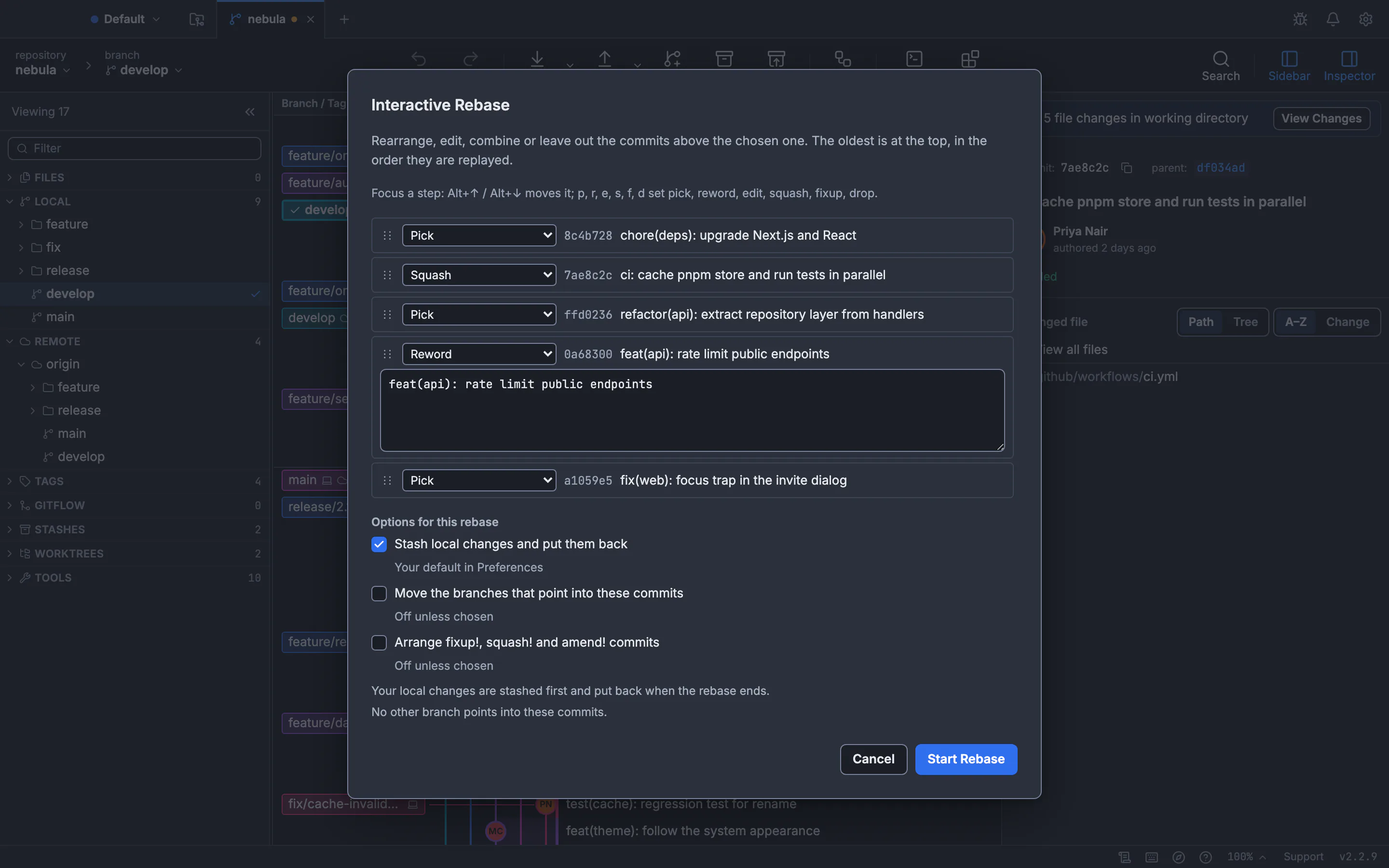
Git interactive rebase in a GUI: squash, fixup, reword, reorder and drop commits
How to squash, fix up, reword, reorder and drop commits with an interactive rebase GUI, what each action does in git rebase -i, and how to undo a rebase that went wrong.
Updated
- Git guides14 min read
Undo git reset, rebase and commits: how to recover (almost) anything in Git
Git rarely throws work away for good. Here is how to undo the last commit, an amend, git reset --hard, a rebase, a deleted branch or a force-push with git reflog, and how GitTree’s Undo handles most of it in one click.
Updated