Git on Linux
How to upgrade Git on Ubuntu 22.04 to 2.39 or newer with the git-core PPA
Ubuntu 22.04 and Linux Mint 21 ship Git 2.34.1. Four commands with the git-core PPA install the latest stable Git. Here is how, why the old version sticks, and how to undo it.
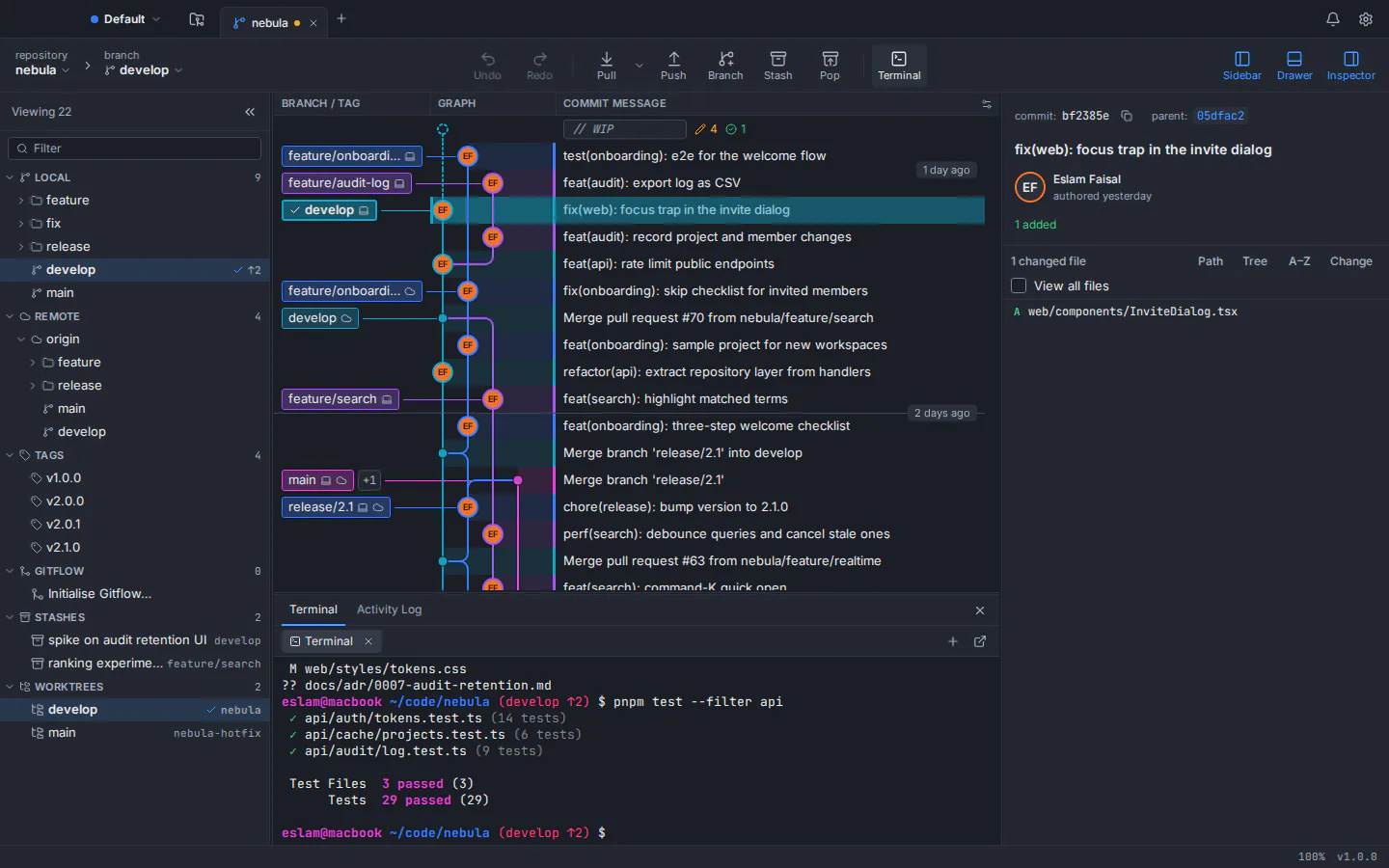
To upgrade Git on Ubuntu 22.04, add the Git stable releases PPA (ppa:git-core/ppa) and install Git again from it. Four commands do the job: add the PPA, refresh the package lists, install Git, and check the version. You move from Ubuntu’s Git 2.34.1 to the latest stable Git, well past 2.39, and later releases arrive with your normal system updates. The same commands work on Linux Mint 21, which is based on Ubuntu 22.04.
sudo add-apt-repository ppa:git-core/ppa
sudo apt update
sudo apt install git
git --version
That is the whole fix. Below you will find each step explained, why 22.04 is stuck on 2.34, whether to trust the PPA, how to undo it, and what to do if the old version keeps showing up. We wrote it because GitTree, our free Git client for Linux, needs Git 2.39 or newer, but it applies to any tool that wants a recent Git. On Ubuntu 24.04 or Debian 12 you can skip the PPA entirely: their own Git is already new enough.
Check which Git version you have on Ubuntu
Start by asking Git itself. Open a terminal and run:
git --versionIf your Git comes from the Ubuntu 22.04 or Linux Mint 21 archive, it prints git version 2.34.1. If the shell says git is not found, Git is not installed yet, and the steps below install the newer version straight away. To see where that version comes from, and what apt install git would give you instead, ask apt:
apt-cache policy gitThe Installed line is the version you have, Candidate is the version apt would install, and the version table underneath lists every source that offers Git. Before you add the PPA, the only source is Ubuntu’s own archive. Here is what the common releases ship, according to their official package pages:
| Release | Git version | Git 2.39 or newer? |
|---|---|---|
| Ubuntu 22.04 LTS (Jammy Jellyfish) | 2.34.1 | No: add the git-core PPA |
| Linux Mint 21 (based on Ubuntu 22.04) | 2.34.1, from Ubuntu 22.04 | No: add the git-core PPA |
| Ubuntu 24.04 LTS (Noble Numbat) | 2.43.0 | Yes |
| Debian 12 (Bookworm) | 2.39.5 | Yes |
The package revision changes as security fixes land (on 22.04 it currently ends in 1ubuntu1.17), but the Git version underneath stays at 2.34.1.
Why Ubuntu 22.04 ships Git 2.34 and never moves past it
Ubuntu picks its package versions before a release and then keeps them. For 22.04, the Debian Import Freeze and the Feature Freeze both fell on 24 February 2022, and the release followed on 21 April 2022. Git 2.34.1 had been out since 24 November 2021, so that is the version that went into the archive.
After a release, Ubuntu’s Stable Release Update (SRU) policy decides what may change: updates are, in general, issued only to fix high-impact bugs, and new upstream versions that bring features rather than critical fixes are sent to backports instead (the 22.04 backports archive carries no Git). Security fixes go out separately, through the Ubuntu Security team’s own process. So 22.04 keeps getting patched builds of Git 2.34.1, but it will not get Git 2.39, which came out on 12 December 2022, eight months after 22.04 shipped.
Tools that depend on newer Git set a minimum version. GitTree’s minimum is 2.39, so with Ubuntu 22.04’s own Git it stops at a screen titled “This Git is too old” and shows the same PPA commands as this guide.
What ppa:git-core/ppa is, and is it safe?
A PPA (Personal Package Archive) is a package repository hosted on Launchpad by a person or a team, outside Ubuntu’s main archive. ppa:git-core/ppa is titled “Git stable releases”, describes itself as the most current stable version of Git for Ubuntu, and is run by the Ubuntu Git Maintainers team. It is also the PPA that git-scm.com, the Git project’s own website, gives Ubuntu users who want the latest stable upstream Git.
- Built for your release. It publishes builds for each supported Ubuntu release, 22.04 included, so apt treats them like any other update.
- Signed.
add-apt-repositoryinstalls the PPA’s signing key along with it, so apt can verify what it downloads. - Current. When we checked in October 2026, the 22.04 build was Git 2.55.0. New stable releases reach you through
sudo apt upgrade. - Narrow. It publishes one source package,
git, so the rest of your system keeps coming from Ubuntu.
The trade-off is the usual one for any third-party archive: you trust the people who build it. A PPA is not part of the Ubuntu archive, but this one is the route Git’s own download page names for Ubuntu.
How to upgrade Git on Ubuntu 22.04, step by step
Check your current Git version
Run
git --version. If it prints 2.34.1, as Git from the Ubuntu 22.04 and Linux Mint 21 archive does, or says the command is not found, carry on. If it already prints 2.39 or newer, you can stop here.Add the git-core PPA
Run
sudo add-apt-repository ppa:git-core/ppa, read the description it prints and press Enter to confirm. The command adds the PPA and its signing key, and on 22.04 it also refreshes the package lists.Refresh the package lists
Run
sudo apt update. It is harmless if the previous command already did this, and it makes sure apt sees the PPA’s newer Git.Install the newer Git
Run
sudo apt install git. If Git is already installed, apt upgrades it in place to the PPA’s version; if not, it installs that version. Your repositories and your~/.gitconfigstay as they are.Confirm the new version
Run
git --versionagain. It should now print 2.39 or newer. If the old number still appears, open a new terminal; if that does not help, see the troubleshooting section below.
If you set up machines often, the same steps fit on one line. The -y flag answers the prompts of both commands for you, so use it only once you know what they will do:
sudo add-apt-repository -y ppa:git-core/ppa && sudo apt update && sudo apt install -y gitUpdate Git on Linux Mint 21
Linux Mint 21 is based on Ubuntu 22.04 and uses its packages, so it ships the same Git 2.34.1 and takes the same fix. Run the four commands from the top of this guide in Mint’s terminal: add-apt-repository works there as it does on Ubuntu. Once the PPA is in place, later Git releases arrive with the rest of your system updates.
Ubuntu 24.04 and Debian 12: Git is already new enough
Newer releases need no PPA. Ubuntu 24.04 LTS ships Git 2.43.0 and Debian 12 ships Git 2.39.5, both at or above the 2.39 line. If Git is missing, install it from the system’s own archive:
sudo apt install gitUbuntu PPAs are built for Ubuntu, not for Debian. Debian’s own wiki lists them among the sources that turn a stable system into a “FrankenDebian”, so on Debian stay with the Git from Debian’s archive.
Troubleshooting: when the Git update does not take
add-apt-repository: command not found
Minimal and server installs can leave out the package that provides the command. Install it, then run the PPA steps again:
sudo apt install software-properties-commongit --version still prints 2.34.1
First open a new terminal, or run hash -r so your shell forgets the path it remembered. If the number still does not change, look for a second Git on your PATH, such as one built from source in /usr/local/bin, which comes before /usr/bin on Ubuntu:
which -a git
apt-cache policy git
which -a lists every git your shell can find, in the order it tries them. If apt shows the PPA’s version as installed but another path comes first, remove or rename that other copy. If apt still offers 2.34.1 as the candidate, the PPA was not added: run sudo apt update again and read its output for errors that mention git-core.
GitTree still says the Git is too old
GitTree checks Git when it starts. After the upgrade, choose Check again on that screen or restart the app, and it picks up the new version.
How to remove the git-core PPA or go back to Ubuntu’s Git
To stop receiving Git from the PPA but keep the version you have now, remove the PPA:
sudo add-apt-repository --remove ppa:git-core/ppaTo also go back to Ubuntu’s own 2.34.1, use ppa-purge. It removes the PPA and downgrades its packages to the versions in the Ubuntu archive:
sudo apt install ppa-purge
sudo ppa-purge ppa:git-core/ppaOther ways to install the latest Git on Ubuntu
The PPA is the shortest route on 22.04, but it is not the only one:
| Method | Effort | How Git stays up to date |
|---|---|---|
| git-core PPA | Four commands, a few minutes | With your normal sudo apt upgrade |
| Upgrade to Ubuntu 24.04 LTS | A full release upgrade with do-release-upgrade; back up first | Ubuntu’s own Git 2.43.0 and its security updates |
| Build Git from source | Install build tools, download a release from kernel.org, compile | By hand: you repeat the build for each release |
Upgrading the whole release makes sense if you were planning to move to 24.04 anyway. Ubuntu’s server documentation recommends do-release-upgrade, supports moving from one LTS release to the next, and stresses backing up your data first. Building from source, as the Pro Git book describes, gives you any version you like, but updates become your job, and a copy in /usr/local/bin can later hide the apt one.
Install GitTree on Ubuntu once Git is up to date
With Git 2.39 or newer in place, you can add a Git GUI that uses it. GitTree is a free desktop Git client, private repositories included. It runs on top of the Git you just installed rather than bundling its own, so every button does what the matching command would do. On Ubuntu and Debian, the .deb package is the recommended download:
cd ~/Downloads
sudo apt install ./Git-Tree-Linux.deb
gittree
Use the file name you saved, for example Git-Tree_<version>_amd64.deb. apt installs GitTree together with Git, WebKitGTK and GTK and adds it to your applications menu, and gittree starts it from a terminal. The order of the two installs does not matter much: if Git was not installed yet and you install the .deb first on Ubuntu 22.04, apt pulls in Ubuntu’s Git 2.34.1, GitTree shows its “This Git is too old” screen, and the PPA steps above fix it.
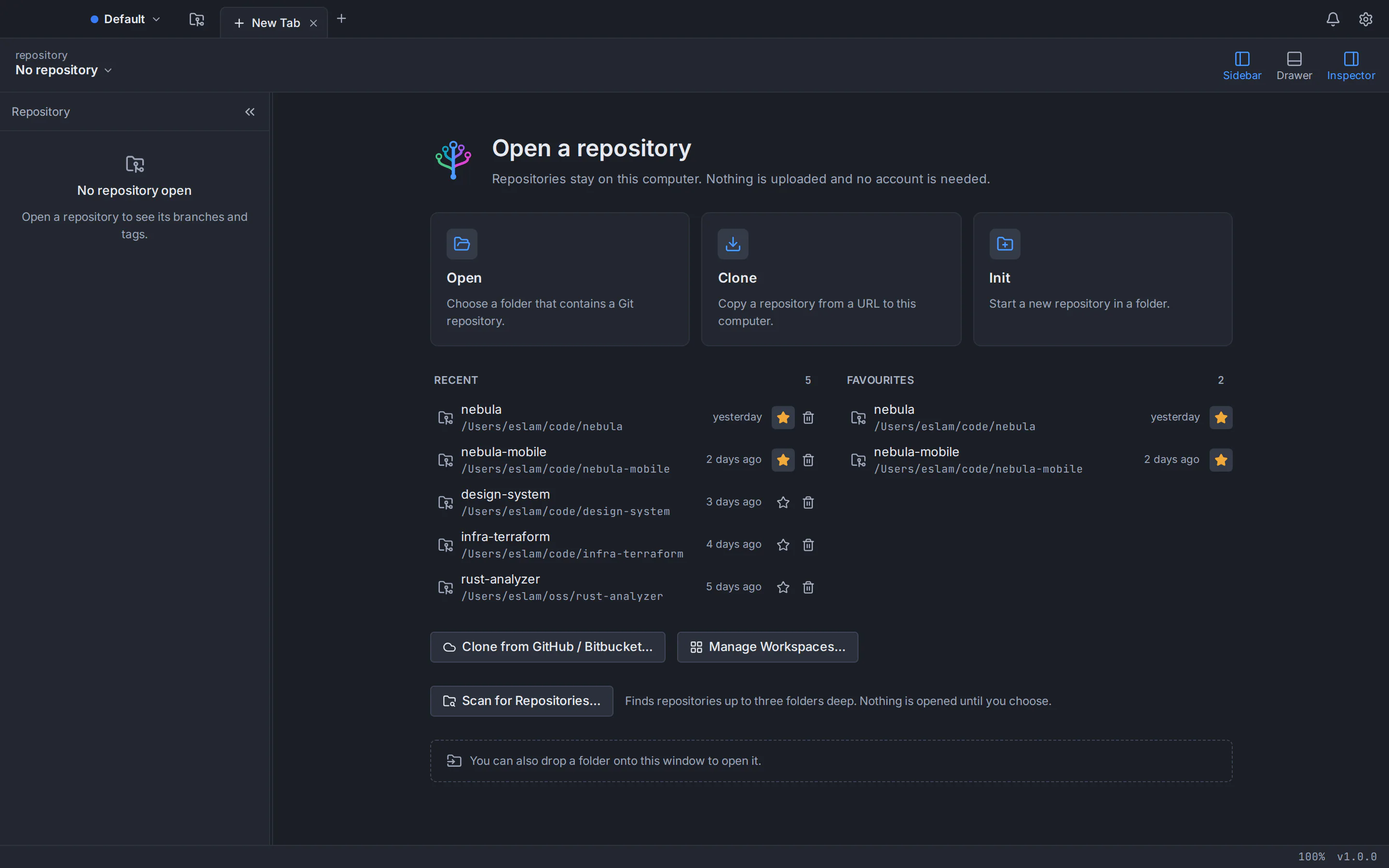
On first launch you sign in once with a free GitTree account, created on gittree.app with GitHub, GitLab, Bitbucket or Azure DevOps; after that the app works offline for up to 7 days between checks. GitTree is tested on Ubuntu 22.04 LTS, Ubuntu 24.04 LTS and Debian 12 or later, on 64-bit x86_64 machines; Linux Mint 21 can run it too, though it is not tested. The Linux packages are not signed, so compare your download with the SHA256SUMS.txt file on the release page. The GitTree for Linux page covers the portable AppImage, the system keyring and uninstalling.
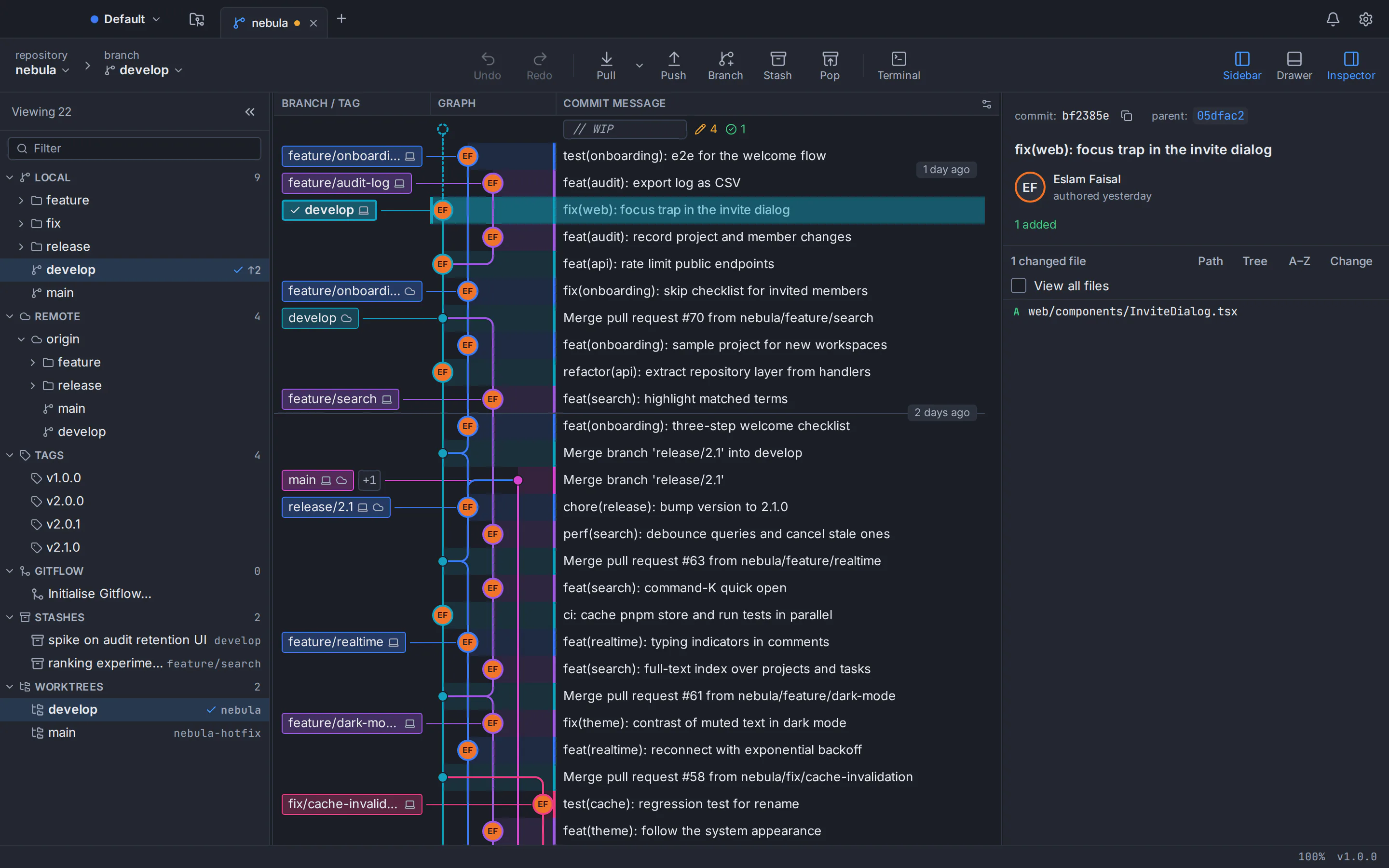
GitTree is free today on Mac, Windows and Linux alike. New to Git GUIs on Linux? Our guide to the best Git GUI for Linux compares the options, and Git for beginners with a GUI walks you through your first commits. If you are weighing a desktop app against the terminal, read Git GUI vs command line. Stuck on a step? The GitTree support page lists every way to reach us, and every installer is on the download page.
Frequently asked questions
How do I upgrade Git on Ubuntu 22.04?
Add the Git stable releases PPA and install Git again from it: run sudo add-apt-repository ppa:git-core/ppa, then sudo apt update and sudo apt install git. Check the result with git --version, which should now print 2.39 or newer instead of 2.34.1. Later Git releases from the PPA arrive with your normal sudo apt upgrade.
Why does sudo apt upgrade not update Git on Ubuntu 22.04?
Ubuntu froze the package versions for 22.04 in February 2022, when Git 2.34.1 was current. After release, its Stable Release Update policy allows, in general, only fixes for high-impact bugs and sends new upstream versions with new features to backports; security fixes arrive through the Ubuntu Security team’s own updates. So apt upgrade installs patched builds of 2.34.1 but never Git 2.39 or later. You need the git-core PPA, a newer Ubuntu release or a build from source.
Is ppa:git-core/ppa safe to use?
It is a third-party archive, so you are trusting the people who build it, but it is the standard choice: the Ubuntu Git Maintainers team runs it on Launchpad, add-apt-repository installs its signing key so apt can verify downloads, and git-scm.com, the Git project’s own website, points Ubuntu users to it for the latest stable Git.
Do I need the git-core PPA on Ubuntu 24.04 or Debian 12?
No. Ubuntu 24.04 LTS ships Git 2.43.0 and Debian 12 ships Git 2.39.5, and both meet a 2.39 minimum. Install Git with sudo apt install git if it is missing. On Debian, avoid Ubuntu PPAs altogether: Debian’s wiki warns that mixing in repositories built for other distributions, Ubuntu PPAs included, can break a stable system.
Does the git-core PPA work on Linux Mint 21?
Yes. Linux Mint 21 is based on Ubuntu 22.04, ships the same Git 2.34.1 and uses the same packages, so the same commands apply: sudo add-apt-repository ppa:git-core/ppa, sudo apt update and sudo apt install git. Run git --version afterwards to confirm you have 2.39 or newer. New Git releases then arrive with your other system updates.
How do I go back to Ubuntu’s own Git version?
Install the ppa-purge tool with sudo apt install ppa-purge and run sudo ppa-purge ppa:git-core/ppa. It removes the PPA and downgrades its packages to the versions in the Ubuntu archive, which on 22.04 means Git 2.34.1. If you only want to stop future updates and keep your current Git, run sudo add-apt-repository --remove ppa:git-core/ppa instead.
Which Git version does GitTree need on Linux?
GitTree needs Git 2.39 or newer and uses the Git installed on your computer; it never bundles its own. Ubuntu 24.04 and Debian 12 already meet that, while Ubuntu 22.04 and Linux Mint 21 need the git-core PPA first. If yours is too old, GitTree says so on a “This Git is too old” screen; choose Check again after upgrading.
Sources
Claims about other products were checked against their official pages on October 6, 2026. Prices and features change; the vendors’ pages are the source of truth.
- Launchpad: Git stable releases PPA (Ubuntu Git Maintainers)
- Launchpad: git-core PPA packages for Ubuntu 22.04
- git-scm.com: Download for Linux and Unix
- Ubuntu Packages: git in Ubuntu 22.04 (jammy)
- Ubuntu Packages: git is not available in jammy-backports
- Ubuntu Packages: git in Ubuntu 24.04 (noble)
- Debian Packages: git in Debian 12 (bookworm)
- Linux Mint 21 “Vanessa” release page
- Ubuntu Discourse: Jammy Jellyfish release schedule
- Ubuntu: Stable Release Updates requirements
- kernel.org: Git release archives
- Ubuntu manpage: add-apt-repository
- Ubuntu manpage: ppa-purge
- Ubuntu manpage: apt-cache
- Ubuntu Server documentation: Upgrade your release
- Pro Git: Installing Git
- Debian Wiki: Don’t break Debian