Product tour
See GitTree in two minutes
Nour, the AI assistant in GitTree, walks you through a real repository: the commit graph, a commit, a merge conflict, a pull request review, and how Nour works with your own coding agent.
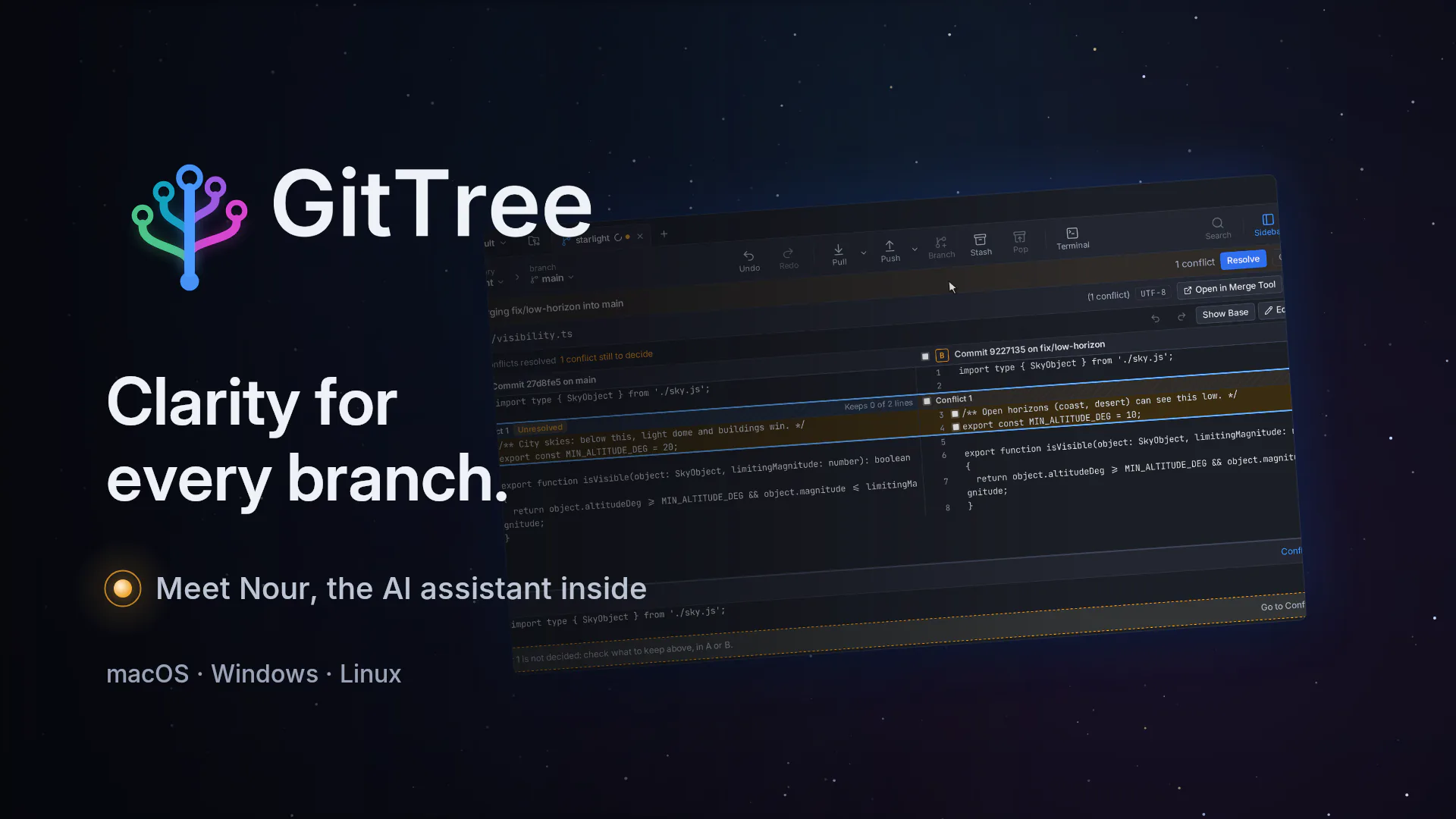
A two-minute tour of GitTree, narrated by Nour, its AI assistant: the commit graph, staging and committing, a merge conflict resolved side by side, pushing, connecting hosting accounts, a pull request opened and reviewed, and Nour working with your own coding agent.
Chapters
What the tour shows
A commit graph you can read
Every branch and merge in its own lane, one click away from the changes of any commit.
The commit graphLine-by-line staging
Review the diff, stage only the lines that belong together and commit with a clear message.
Review, stage and commitConflicts before they surprise you
GitTree warns before a merge that will conflict, then resolves it side by side in its three-way editor.
Merge conflicts, side by sideYour hosting accounts
Push with one click, and connect GitHub, GitLab, Bitbucket or Azure DevOps from Integrations.
Push and integrationsPull requests and reviews
Open a pull request with a reviewer, then review a teammate’s work: comment on a line and approve.
Pull requests and reviewsNour, the AI assistant
Nour runs the coding agent you already use, such as Claude Code, and saves a snapshot before every turn so you can undo it.
Nour, the AI assistant
Transcript
Nour narrates the tour in English. Captions are on by default, in English or Arabic: pick one from the player’s captions menu.
Meet Nour
Every project has a story. Sometimes, its branches get complicated. I’m Nour. Let me show you GitTree.
The commit graph
Here’s your whole repository, as one clear graph. Every branch, every merge, one click from its changes.
Review, stage and commit
Review your work, line by line. Stage what belongs together. Say why, and commit.
Merge conflicts, side by side
When two branches disagree, GitTree tells you before you merge. Pick the right line, side by side, and finish the merge.
Push and integrations
One click pushes it to your remote. GitHub, GitLab, Bitbucket and Azure DevOps connect from Integrations.
Pull requests and reviews
Pull requests live here too. Open one from your branch, and pick a reviewer. Then review a teammate’s work, right inside GitTree. Comment on the exact line. Approve, and your review lands on GitLab.
Nour, the AI assistant
And this is where I come in. I work with the coding agent you already use, like Claude Code, signed in with your own account. Before every turn, I save a snapshot, so you can undo it. Ask me about your history, your code, or what to do next.
Download GitTree
This is GitTree. Clarity for every branch. Free for macOS, Windows and Linux.
Try it on your own repositories
Download GitTree for macOS, Windows or Linux. Every Git feature works without an account; sign in for free to use Nour and integrations.